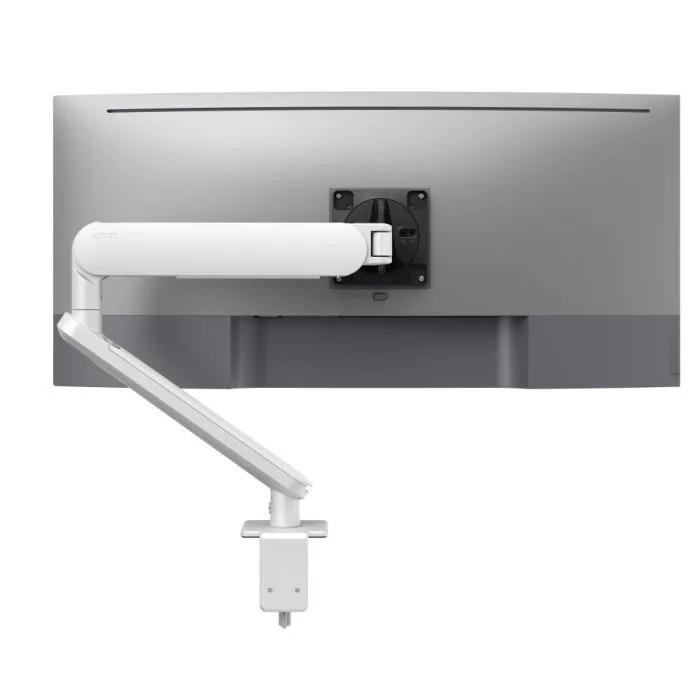
AW-ORA-F-W
Ora with F-clamp, white 2 to 8kg · up to 38-inchClamps to the back edge and runs cables through the arm, leaving the surface clear for the next person.
SEE AW-ORA-F-W
Test an Atdec arm on one of your shared desks, then take what you learn into your next office project.
A good clean desk policy is mostly about information and habits. Hardware helps, and it is one of six areas the policy should cover.
Confidential papers are locked away or placed in secure bins, never left on the desk when the user steps away.
Screens lock whenever a user leaves the desk, backed by an automatic lock that IT sets on every device.
Laptops, phones and USB drives go with the user or into a locker. Nothing stays on a shared desk overnight.
Personal items have a home off the desk, so the next person sits down to an empty surface.
Printing is collected straight away. Many offices use print release so jobs only print when the user is at the printer.
Monitors, docks and cables stay in a standard position, with the surface clear enough for cleaning between users.
Monitor arms make a clean desk easier to keep. They don't make a desk secure on their own.
An arm clamps to the back of the desk and lifts the screen off the surface, so there's no stand footprint to work around. Cables run through the arm instead of across the desk. Every hot desk can be set to the same standard position, which makes a quick end-of-day reset possible. Read about desk space with arms versus stands and our cable management hacks.
Arms don't lock screens, store documents or keep laptops off the desk overnight. Those depend on device settings that IT controls, lockers and secure bins that facilities provide, and the habits people build. Treat mounting as the part of the policy that makes the rest easier to follow.
Use these ten headings as a starting point for your own clean desk and desk sharing policy. Keep each section short, so people read it.
This outline is a starting point, not legal or compliance advice. Adapt it to your own security framework and have your security, WHS or legal lead review it before it goes out to staff.
Three Atdec arms that take screens, cables and laptops off the surface of shared desks, with each one's weight rating.
Clamps to the back edge and runs cables through the arm, leaving the surface clear for the next person.
SEE AW-ORA-F-W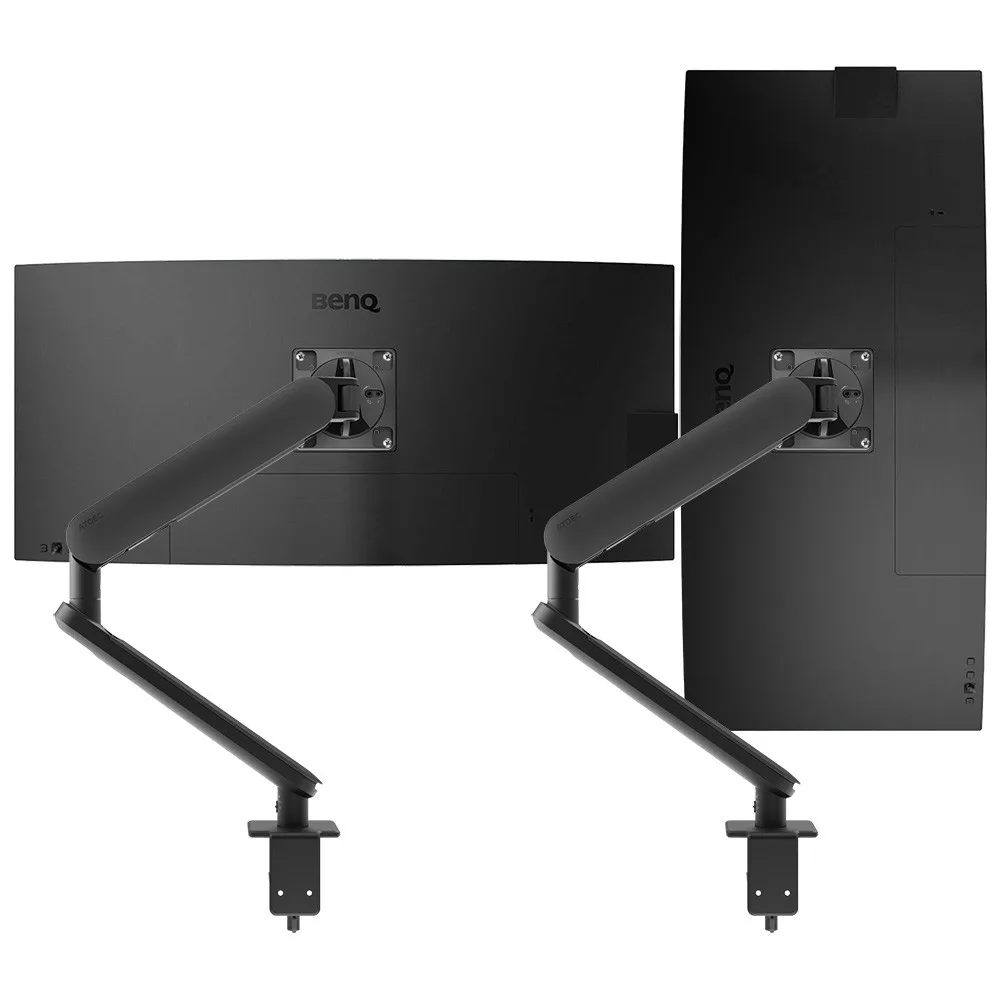
Lifts both screens of a dual desk off the surface, with rotation that IT can limit so screens stay in the standard position.
SEE AWS-ORA2-F-B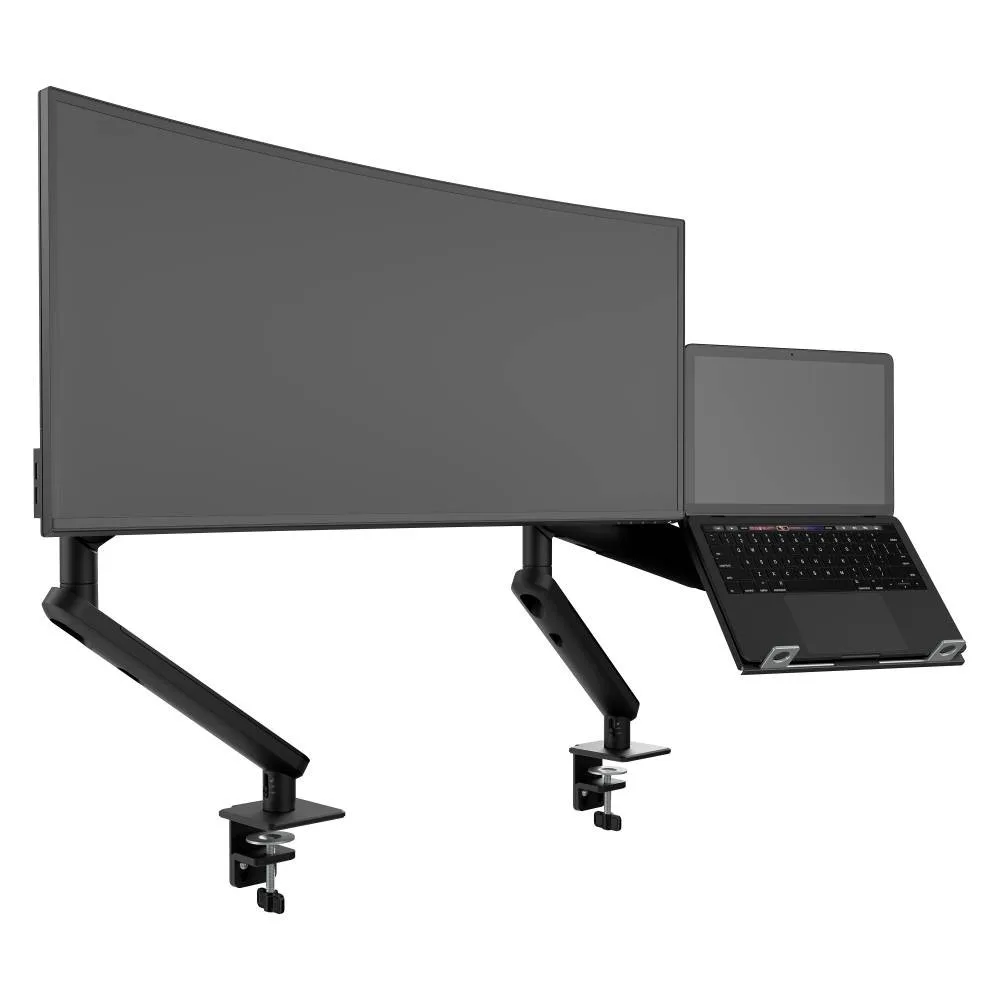
A monitor arm with a laptop tray on its own arm, so hot-deskers work off the surface and take the laptop with them.
SEE AWS-N-ORA2-F-BSee how the Ora suits hybrid office desks, or browse all Atdec monitor arms.
A clean desk policy is easier to follow when every shared desk looks and works the same.
Single monitor arm solution for any combination of landscape and portrait monitors, so IT stocks one system for the whole floor.
Rotation can be locked to 180 degrees or left free to turn a full 360, so arms and screens stop where IT sets them.
Generous cable management bays, drop-on VESA head, post guide marks, and visual tension indication.
A 10-year warranty, local stock and engineering support, from an Australian-owned company designing mounts since 1998.
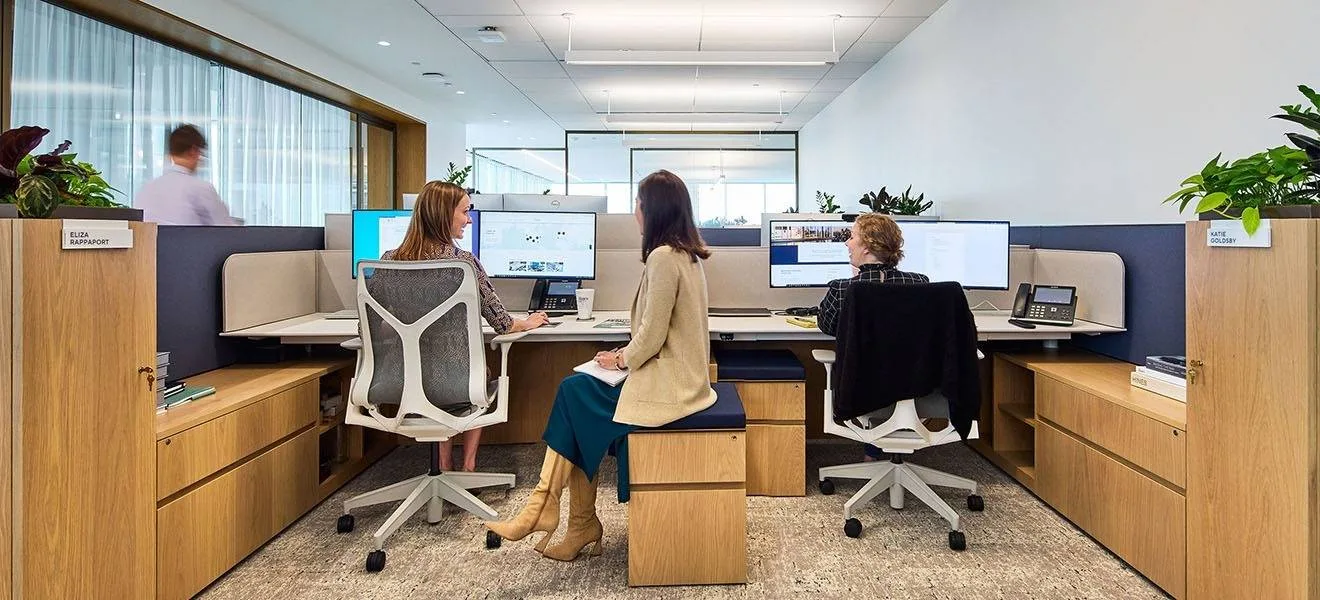
Atdec AWMS-2-D13 dual monitor arms on benching desks, with concealed cable management for clean sightlines and an optional 180-degree rotation limiter for benching layouts.
Read the case studyA clean desk policy tells staff what to clear from a desk when they leave it, so sensitive information isn't left in view. It usually covers papers, screen locking, laptops and removable media, printing and personal items. Many organisations treat it as part of their information security controls. On shared desks it also makes sure the next person starts with a clear, working desk.
When desks are shared, anything left behind is seen by the next user as well as by passers-by. A different person may sit down every day, so papers, notes and screens left open carry more risk. Shared desks also need a quick reset between users and a clear surface for cleaning. Clear rules and a standard hardware setup make that reset part of the routine.
A desk sharing policy covers how desks are booked, how long a booking lasts and what each user does before they leave. It should set the standard position for shared hardware, where personal items go and how to report faults. Many organisations combine it with the clean desk policy, because the end-of-booking steps are the same. Keep it short and practical so people follow it.
No. Monitor arms clear screens and cables from the surface and make shared desks easier to standardise, but compliance depends on more than hardware. Screen locking, document storage, lockers and secure disposal do most of the security work. Think of arms as the part of the setup that makes a clear desk quick to reach. Your security or WHS lead should confirm what your policy needs.
Pick a small group of hot desks and set them up with arms, a standard screen position and lockers close by. Brief the users on the policy, then run a few spot checks and ask how the end-of-day reset feels. Request a free Atdec monitor arm for one of those desks and our team will call first to match it to your screens. We'll then give you specifications, warranty details and case studies to take your recommendation through purchasing.
Request a free Atdec monitor arm to test with your monitors and your team. It's yours to keep. We'll call first to match the arm to your screens, so you can judge it on a real shared desk before you set the site standard.