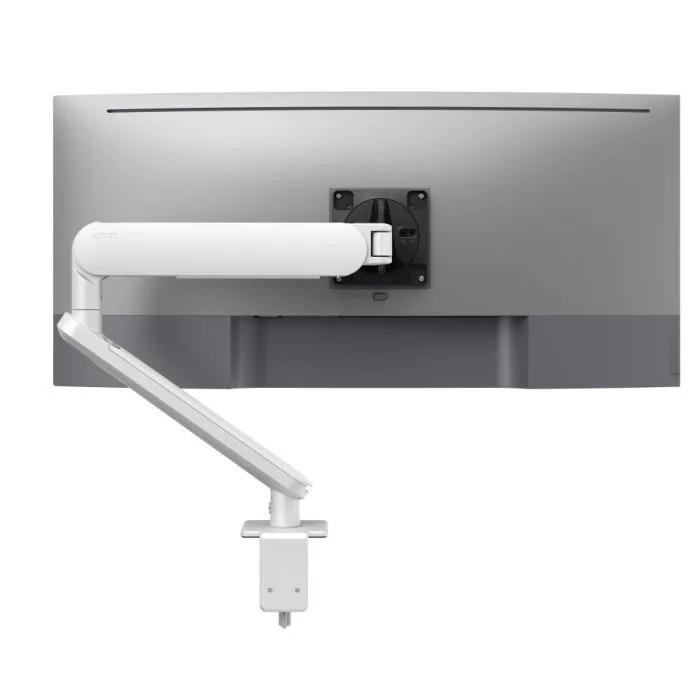
AW-ORA-F-W
Ora with F-clamp, white 2 to 8kg · up to 38-inchA white finish to match a white desk and Apple hardware, with rotation set to 180 or 360 degrees.
SEE AW-ORA-F-W
Test an Atdec arm with your own Macs and your own team, then take what you learn into your next office project.
The VESA mount adapter is the deciding factor, for the iMac and the Studio Display VESA version alike. With it, both machines sit well inside the rating of an Atdec Ora arm. Without it, there's nothing for an arm to attach to.
| Model | Weight (Apple's figure) | On an Ora arm (2 to 8kg, up to 38-inch) |
|---|---|---|
| iMac 24-inch with VESA mount adapter | About 4.4kg | Fits the rating |
| Apple Studio Display with VESA mount adapter | About 5.5kg | Fits the rating, with a 100x100 VESA pattern, in landscape or portrait |
| iMac or Studio Display with a stand | Not applicable | Can't go on an arm as supplied. Atdec doesn't sell an Apple adapter, so plan VESA models at purchase |
Apple notes that weight varies by configuration, so check the figure for your exact model on Apple's technical specifications. More on patterns and ratings in how the VESA standard works and how to check monitor arm compatibility.
Agencies and design teams tend to settle on one of three layouts. Pick by role, not by desk.
For hybrid staff and hot desks. The laptop sits on a ventilated tray beside the arm, and the Studio Display carries the main work.
For designers and editors who want a canvas and a second screen for tools or reference. Turn one to portrait for layouts and long pages.
An iMac wall mount suits reception, shared workstations and studios with little desk space. A swing arm on a wall channel keeps the screen adjustable.
An arm adds height, reach and rotation, so the top of the screen can sit at or slightly below eye level for each person. More in our 10 ergonomic tips and our guide to dual monitor configurations.
Six arms from the Atdec range that work as an iMac monitor arm or Studio Display mount, with each one's weight rating.
A white finish to match a white desk and Apple hardware, with rotation set to 180 or 360 degrees.
SEE AW-ORA-F-W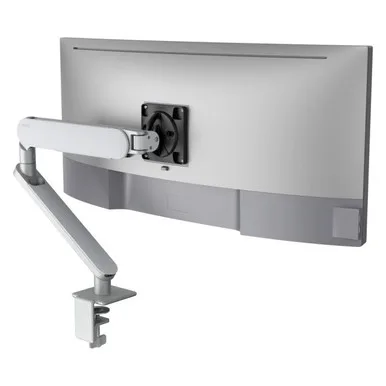
A silver finish that sits with an aluminium iMac or Studio Display, adjusted with a fingertip.
SEE AW-ORA-F-S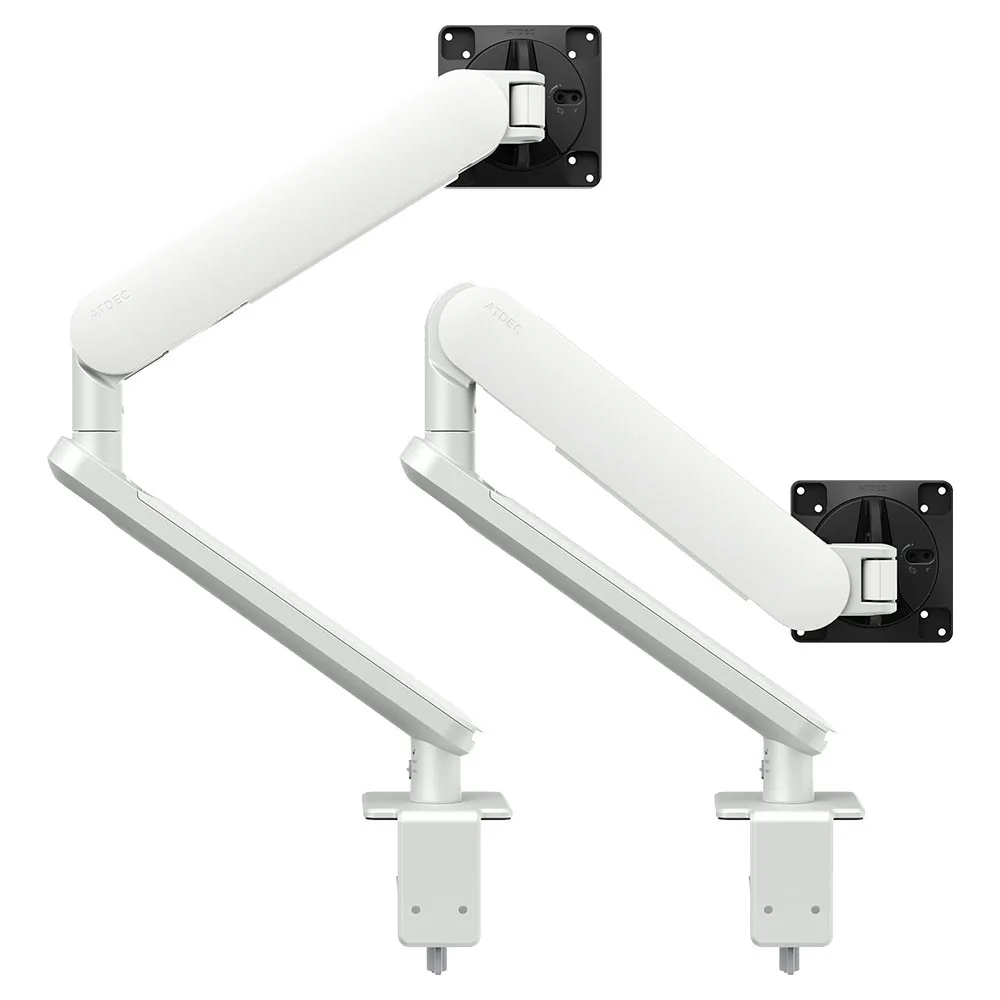
Two independent arms for a pair of Studio Displays, so one can turn to portrait.
SEE AWS-ORA2-F-W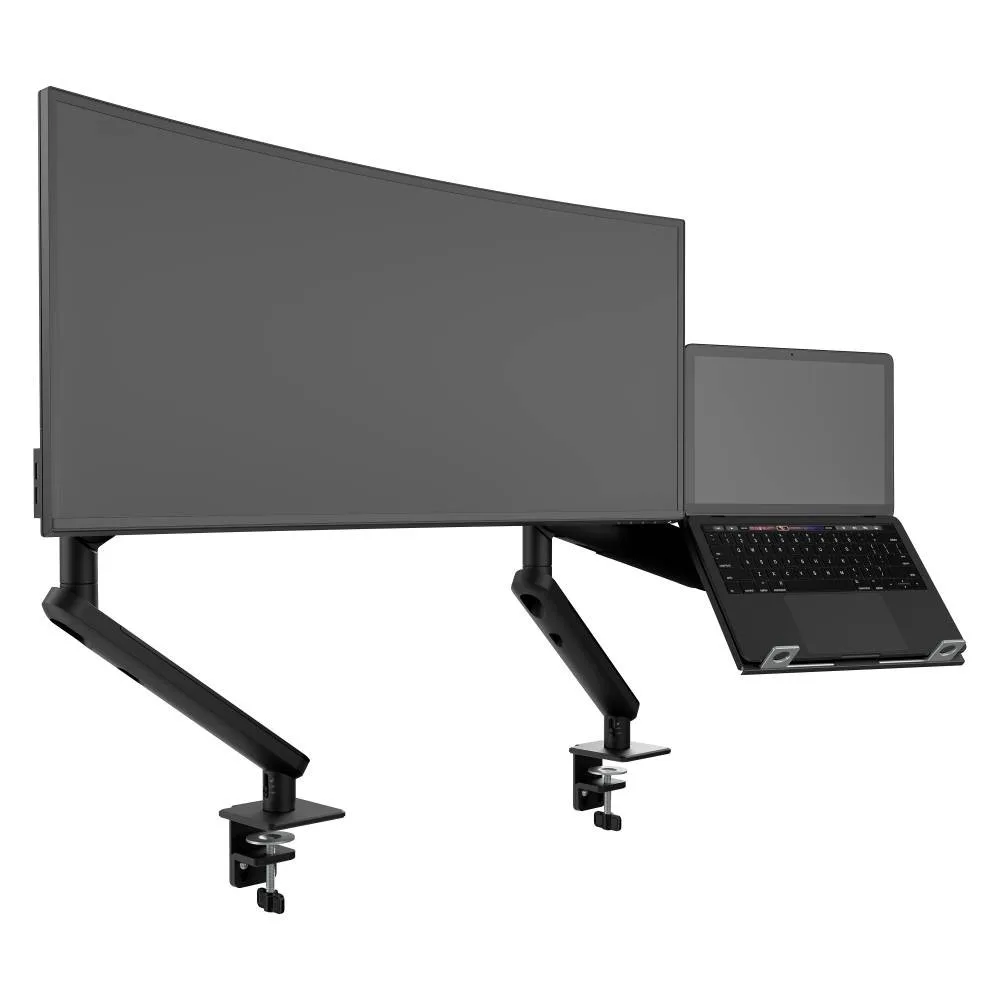
A Studio Display on the arm and a MacBook on the ventilated tray beside it, for hybrid staff.
SEE AWS-N-ORA2-F-B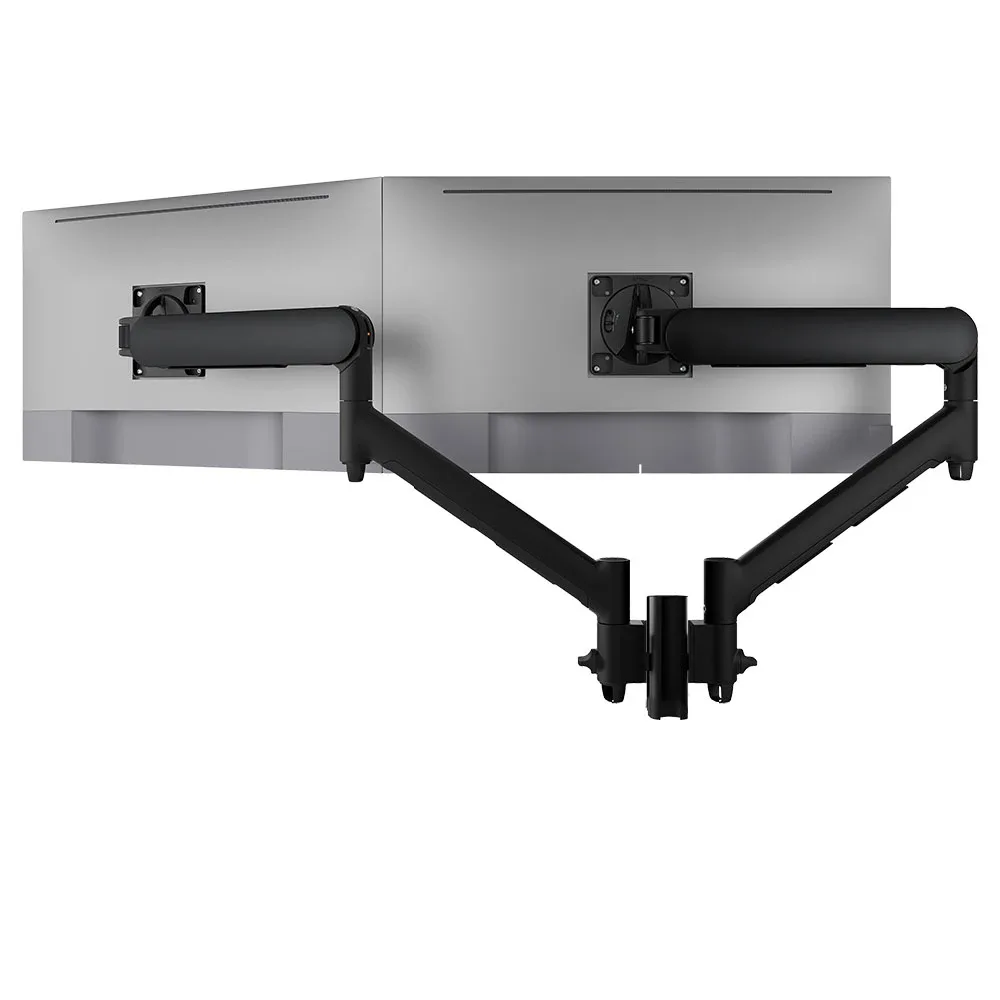
Two screens on one post, with five desk fixing options including grommet and bolt-through.
SEE AWMS-2-D13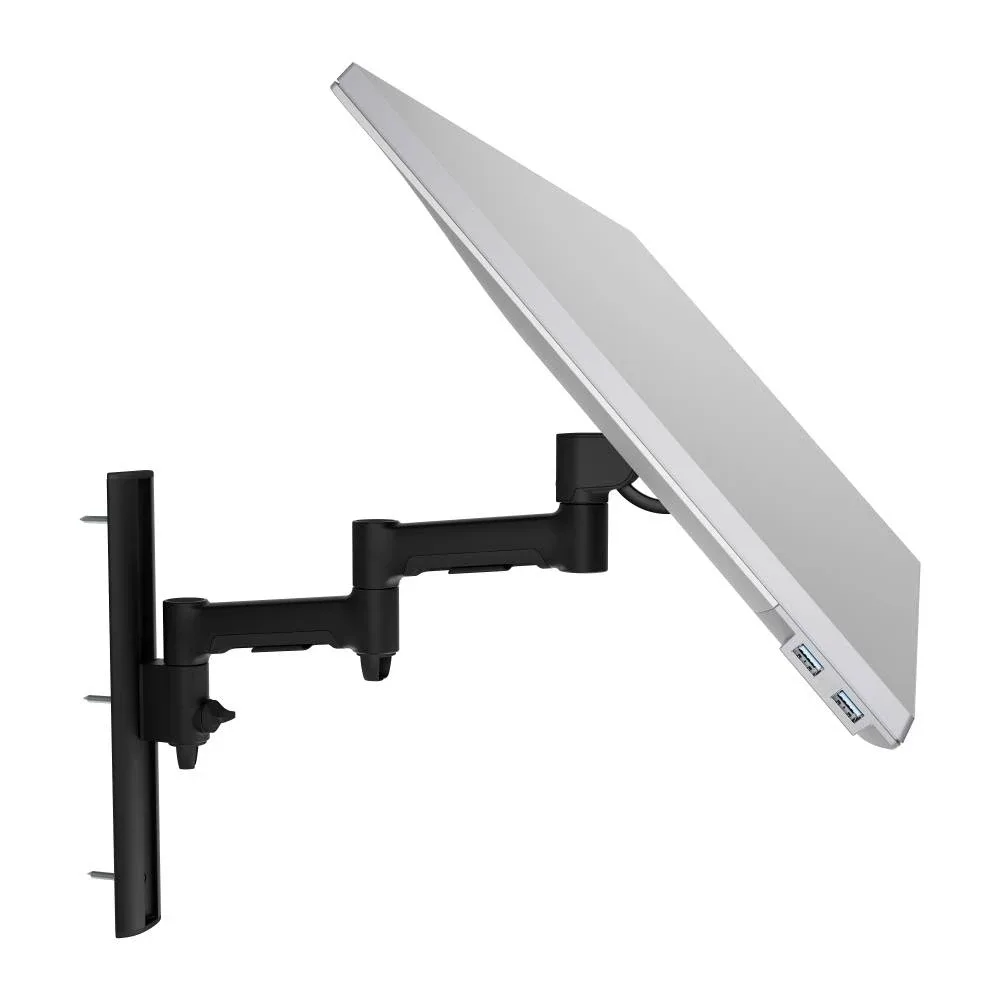
For an iMac wall mount at reception or a shared station. Also made in white and silver.
SEE AWMS-46W35The Ora range is built for hybrid and hot desks. Read more about the Ora monitor arm for hybrid office desks.
Mac teams rarely run Macs alone. A floor often mixes Studio Displays, third-party monitors and laptops, and it's simpler when every desk runs on one system.
Single monitor arm solution for any combination of landscape and portrait monitors, Apple or otherwise, so IT stocks one system for the whole floor.
Rotation can be locked to 180 degrees or left free to turn a full 360, so arms and screens stop where IT sets them.
Generous cable management bays, drop-on VESA head, post guide marks, and visual tension indication.
A 10-year warranty, local stock and engineering support, from an Australian-owned company designing mounts since 1998.
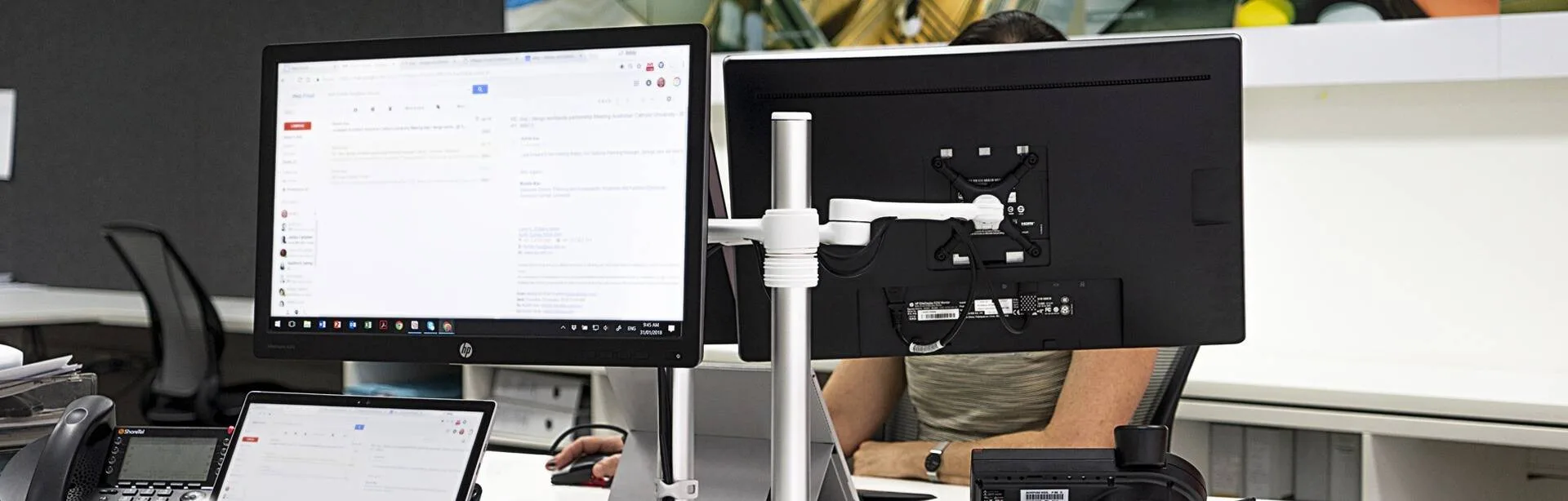
DWP, an architecture and interior design firm, needed mounts for its open-plan Sydney office that blended with its public-facing look. White dual-screen Atdec mounts did the job.
Read the case studyNo. Only an iMac sold with Apple's VESA mount adapter can attach to a monitor arm, and Apple offers that adapter as an option when the iMac is ordered. An iMac bought with its stand isn't set up to attach to an arm. Before a pilot, check the models on the desks you plan to change, and make the VESA version part of the spec for your next Mac order. Atdec doesn't sell an Apple adapter, so the choice has to be made with Apple or your reseller at purchase.
Yes, if it's the version with the VESA mount adapter, often searched as the Apple Studio Display VESA mount. Apple lists that version at about 5.5kg with a 100x100 VESA pattern, which sits inside the 2 to 8kg rating of the Ora arm and its 75x75 or 100x100 VESA head. Apple also lists landscape or portrait orientation for that version, so the arm can turn it for long documents and layouts. A Studio Display bought with either Apple stand can't go on an arm as supplied.
Yes, if it's the VESA version. An iMac wall mount suits reception desks, shared workstations and studios short on desk space. The AWMS-46W35 is a swing arm on a wall channel rated to 12kg for flat screens, well above an iMac's weight, and it comes in black, white and silver. Have your builder or installer confirm the wall and fixings at each position, and plan power at the wall so the iMac's cable isn't left hanging.
An arm adds what a fixed stand can't: reach, rotation, and the option to clear the desk by swinging the screen away. It also lets every desk on the floor run the same system, whether the screen is a Studio Display or another brand. That matters for hot desks, where people of different heights share one setup. For IT, it means one part to stock, one install method and one warranty to manage.
Request a free Atdec monitor arm and fit it to a VESA-model iMac or Studio Display on a desk that gets heavy use, such as a designer or editor. Our team calls before the arm ships to confirm your models and match the arm. Give the tester a few weeks, then ask what changed in how they work. Once the pilot is done, we'll give you specifications, warranty details and case studies to take your recommendation through purchasing.
Request a free Atdec monitor arm to test with your Macs and your team. It's yours to keep. We'll call first to match the arm to your iMac or Studio Display, so you can judge it on a real desk before you set the site standard.