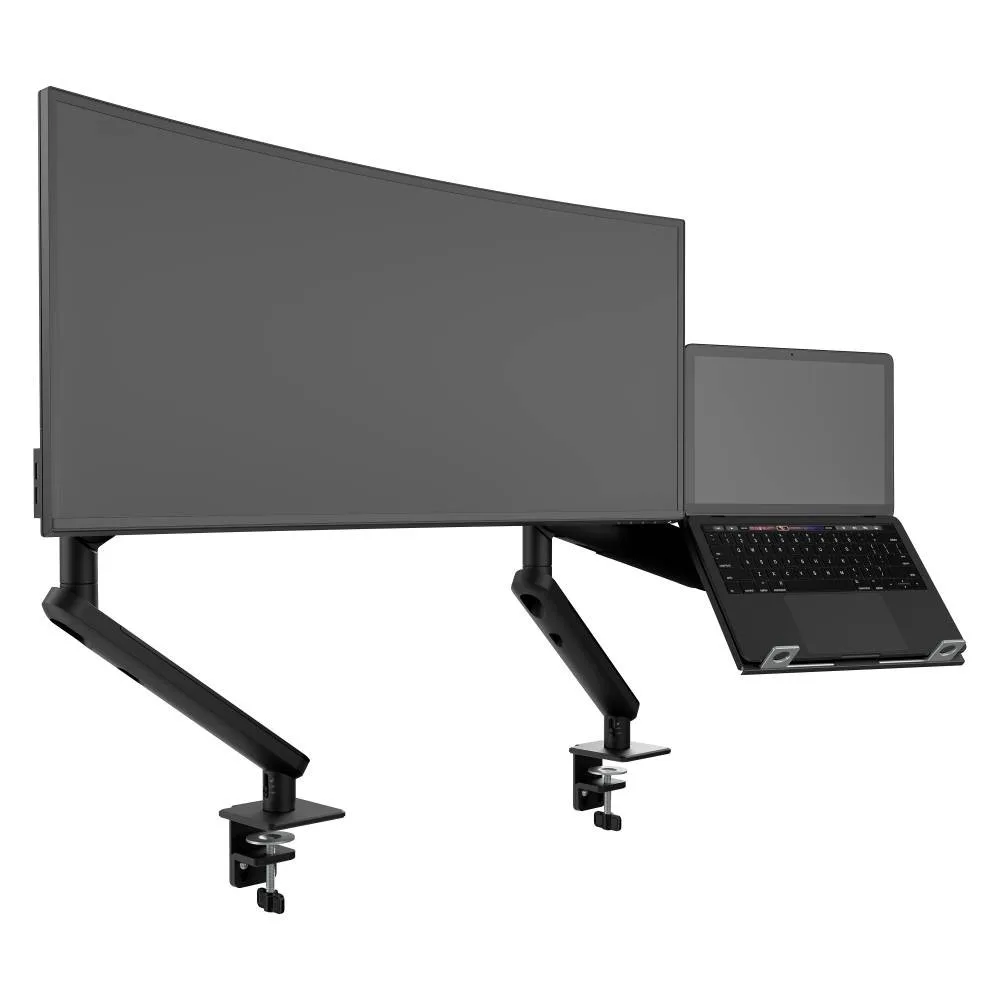
AWS-N-ORA2-F-B
Ora Duo laptop combo Monitor 2 to 8kg · up to 38-inchA monitor arm beside a ventilated laptop tray, for touchdown benches and quiet rooms.
SEE AWS-N-ORA2-F-B
Test an Atdec arm with your own monitors and your own team, then take what you learn into your activity based working plan.
In an activity based working office, people move to the setting that suits the task in front of them, instead of sitting at one assigned desk all day.
Agile working is the broader idea of flexibility in where and how people work. Activity based working is how that idea is built into the floor plan, as a set of zones designed for different tasks.
For IT, the shift is from one standard desk to several. A focus desk, a touchdown bench and a meeting room each need different screens and mounts, and each zone has to be ready for whoever arrives with a laptop. For shared desk policies, see our article on monitor arms for hybrid office desks.
Plan screens and mounts zone by zone. The mix of zones on your floor sets the mix of arms you order.
| Zone | How it's used | Screen setup | Mount |
|---|---|---|---|
| Focus desks | Long stretches of individual work: analysis, writing, code | One or two monitors, with the option of portrait | Single or dual arms that rotate, which each person can adjust without tools |
| Collaboration | Small groups working around one screen | One larger shared monitor, often curved or ultrawide | A heavier-rated arm for 27 to 49-inch screens, kept in landscape |
| Quiet rooms | Short private sessions, calls and deep reading | Laptop plus one monitor | A compact single arm with a clamp, leaving the small desk clear |
| Touchdown | Drop-in work between meetings, often for an hour or less | Laptop plus one monitor | A laptop combo: one monitor arm beside a ventilated laptop tray |
| Meeting rooms | Video calls and presentations | A large display at the end of the table | A wall mount, so the table stays clear |
Counting arms? Count screens per zone, not per head. A focus desk with two screens needs a dual arm whoever sits there, and a touchdown bench needs one combo per position.
An agile workspace changes more often than a floor of assigned desks. Four decisions keep the mounts in step with it.
Curved and ultrawide screens for collaboration zones are usually best kept in landscape. Read about the benefits of ultrawide monitors and how to mount them.
Three arms from the Atdec range that cover the desk zones on an activity based working floor, with each one's weight rating.
A monitor arm beside a ventilated laptop tray, for touchdown benches and quiet rooms.
SEE AWS-N-ORA2-F-B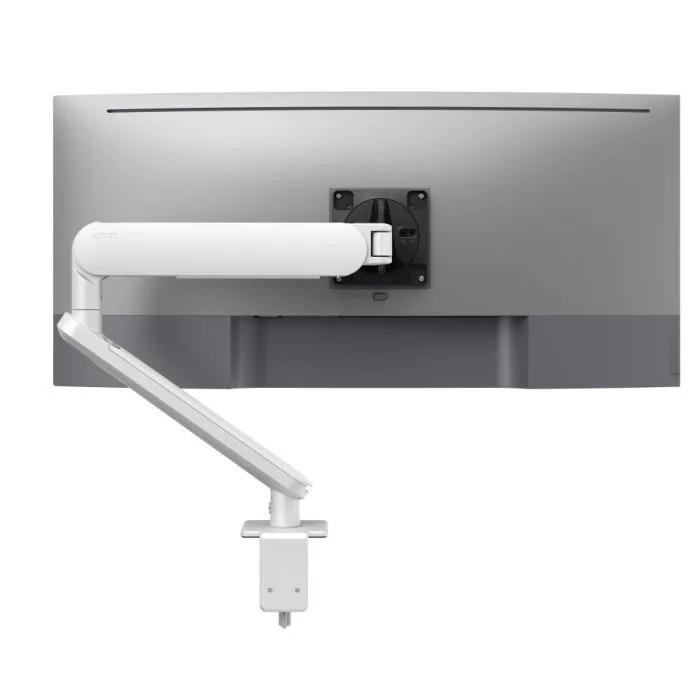
A single arm for focus desks and quiet rooms, turning from landscape to portrait, in white for light desk finishes.
SEE AW-ORA-F-W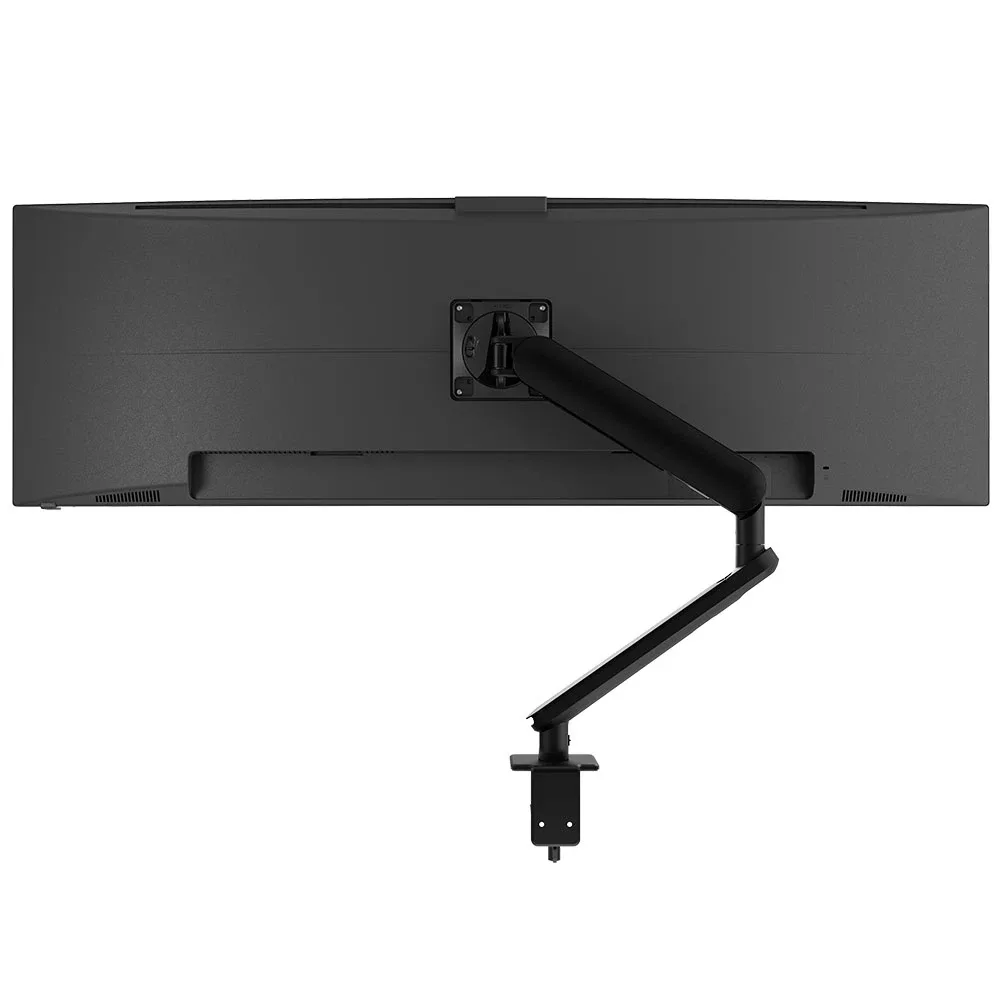
For the larger shared screens in collaboration zones, in the same Ora family as the desks around it.
SEE AW-ORA10-FBrowse the full range of monitor arms, or see how a vertical monitor setup works on focus desks.
Activity based working runs best when every zone uses the same mounting system, so IT supports one range across the floor.
Single monitor arm solution for any combination of landscape and portrait monitors, so IT stocks one system for the whole floor.
Rotation can be locked to 180 degrees or left free to turn a full 360, so arms and screens stop where IT sets them.
Generous cable management bays, drop-on VESA head, post guide marks, and visual tension indication.
A 10-year warranty, local stock and engineering support, from an Australian-owned company designing mounts since 1998.
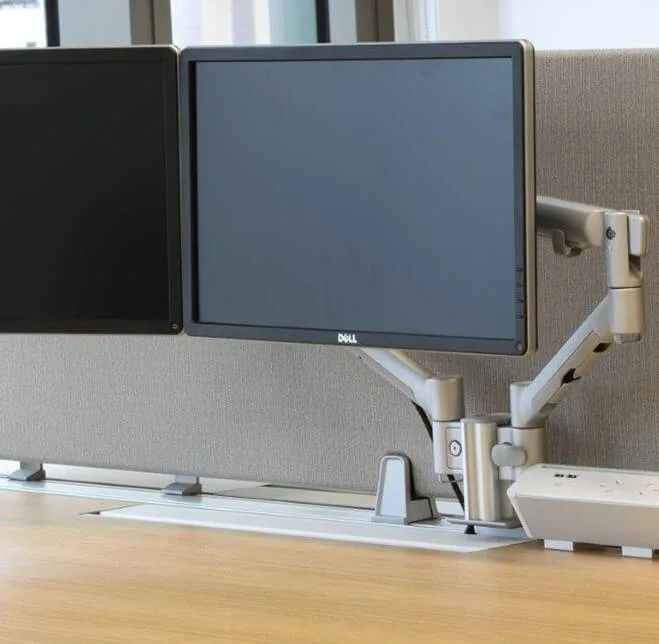
The international law firm refurbished its Sydney office, designed by Woods Bagot, into open-plan activity based areas, shared common areas, conference rooms and private offices. Atdec made a custom adaptor to fit its arms to the Steelcase Frame 1 system, with quick-release heads so displays can move between workstations.
Read the case studyActivity based working is a way of designing an office around tasks rather than assigned desks. The floor is split into zones, such as focus desks, collaboration areas, quiet rooms, touchdown benches and meeting rooms, and people choose the one that suits what they are doing. For IT, that means planning several standard setups instead of one. Each zone needs screens and mounts that suit its task and that anyone can adjust when they arrive.
Agile working is the wider idea of giving people flexibility in where, when and how they work, which can include working from home. Activity based working is one way to build that idea into the office itself, through a floor of zones designed for different tasks. Hot desking only removes assigned seats, without changing the settings on offer. An activity based working office usually includes some unassigned desks, but the zones are what set it apart.
Count screens per zone rather than per person. Start with the floor plan, list the positions in each zone and note how many screens each position has. Focus desks with two screens need dual arms, touchdown positions need a laptop combo, and collaboration tables need one heavier-rated arm per shared screen. Add a small number of spares so a faulty arm can be swapped the same day.
Focus desks benefit most, because that is where people read long documents, reports or code. Any monitor can be rotated if it sits on an arm that rotates, so leave rotation free on those desks. On touchdown benches, a 180-degree limit keeps arms from swinging into the next position. Curved or ultrawide screens in collaboration zones are usually best kept in landscape.
Request a free Atdec monitor arm and set it up on a focus desk, since that is the zone with the most screen time. Our team calls first to match the arm to your screens. Ask several people who use the desk during the trial how easy it is to adjust it to suit them, because that is the test every desk on an activity based working floor has to pass. Once you are ready, we'll give you specifications, warranty details and case studies to take your recommendation through purchasing.
Request a free Atdec monitor arm to test with your monitors and your team. It's yours to keep. We'll call first to match the arm to your screens, so you can judge it on a real desk before you set the standard for every zone.