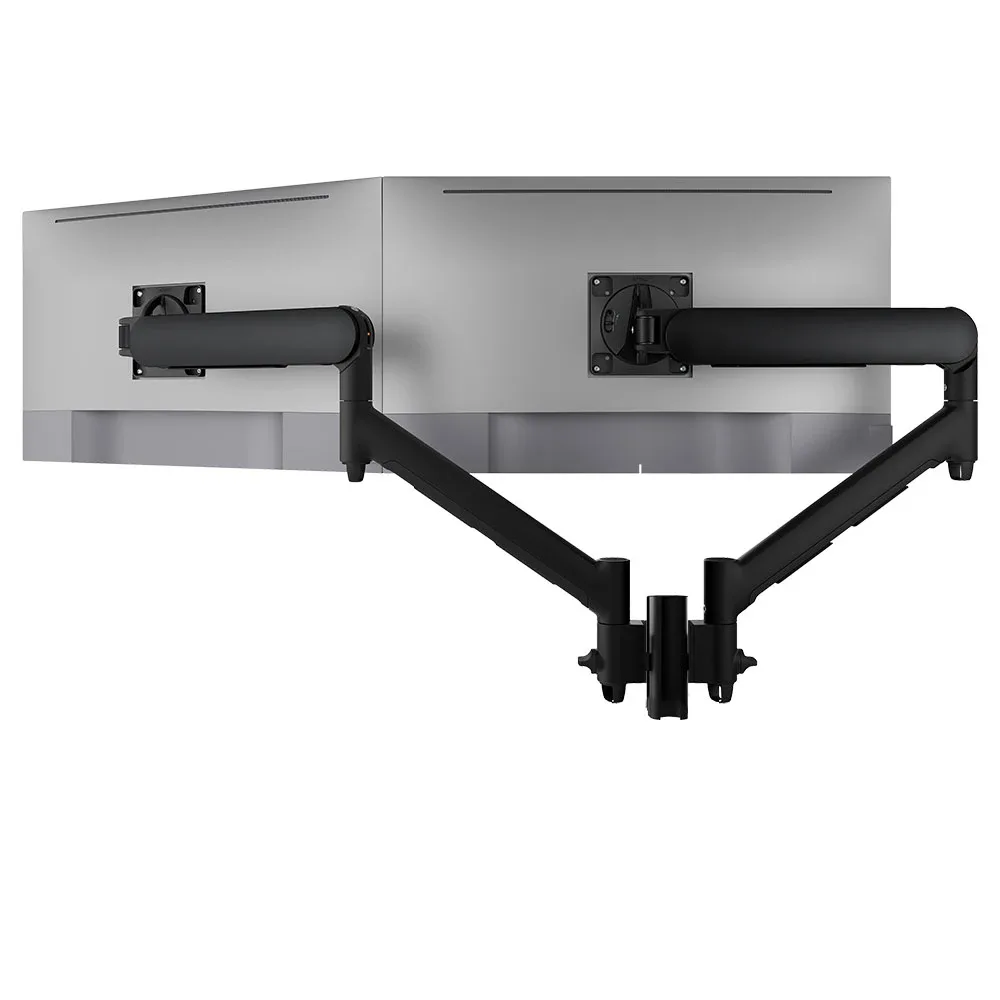
AWMS-2-D13
Dual dynamic arms on a short post 8kg per arm · up to 38-inchTwo arms on one short post with five desk fixing options, a tidy standard for rows of agent desks.
SEE AWMS-2-D13
Test an Atdec arm with your own monitors and your own agents, then take what you learn into your next contact centre project.
A call centre floor runs harder than a typical office. Six demands shape the screens on every desk.
More on comfort over long shifts in our guide to ergonomics for 24/7 operations.
Agents, team leaders and shared desks need different screen setups. One arm family can cover all three.
Two screens: the CRM in landscape, with the queue or chat in landscape or turned to portrait so more of it fits on screen. Dual arms on one post keep the pair aligned.
Three screens, or one larger screen, for queue dashboards, agent status and reporting alongside their own calls. Check heavier screens against the arm's rating.
A single arm with one screen beside a laptop suits new starters, supervisors on the floor and overflow seats on busy days.
Floor wallboards for live queue stats sit on the wall, not the desk. See Atdec wall mounts. Choosing between dual arms on a post and two separate arms? Read post or separate monitor arms.
Six arms from the Atdec range that suit agent and team leader desks, with each one's weight rating.
Two arms on one short post with five desk fixing options, a tidy standard for rows of agent desks.
SEE AWMS-2-D13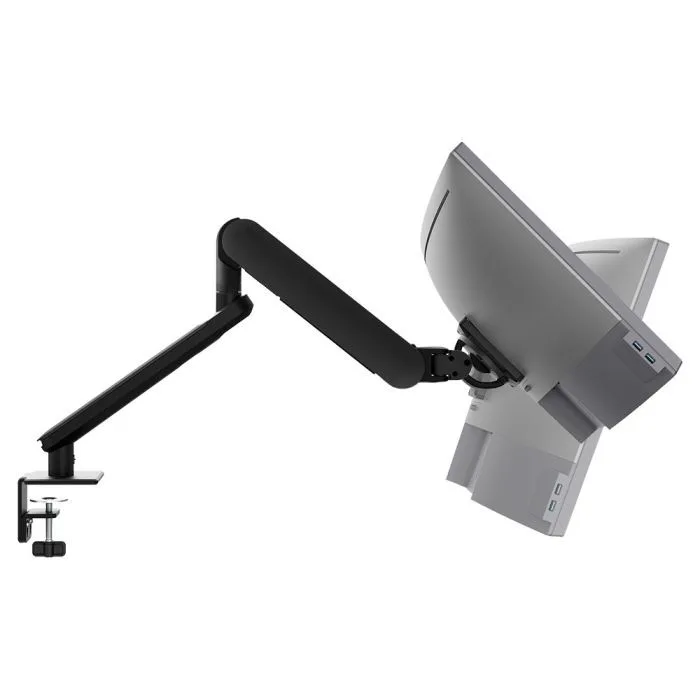
A single arm with fingertip adjustment and rotation that IT can set to 180 or 360 degrees.
SEE AW-ORA-F-B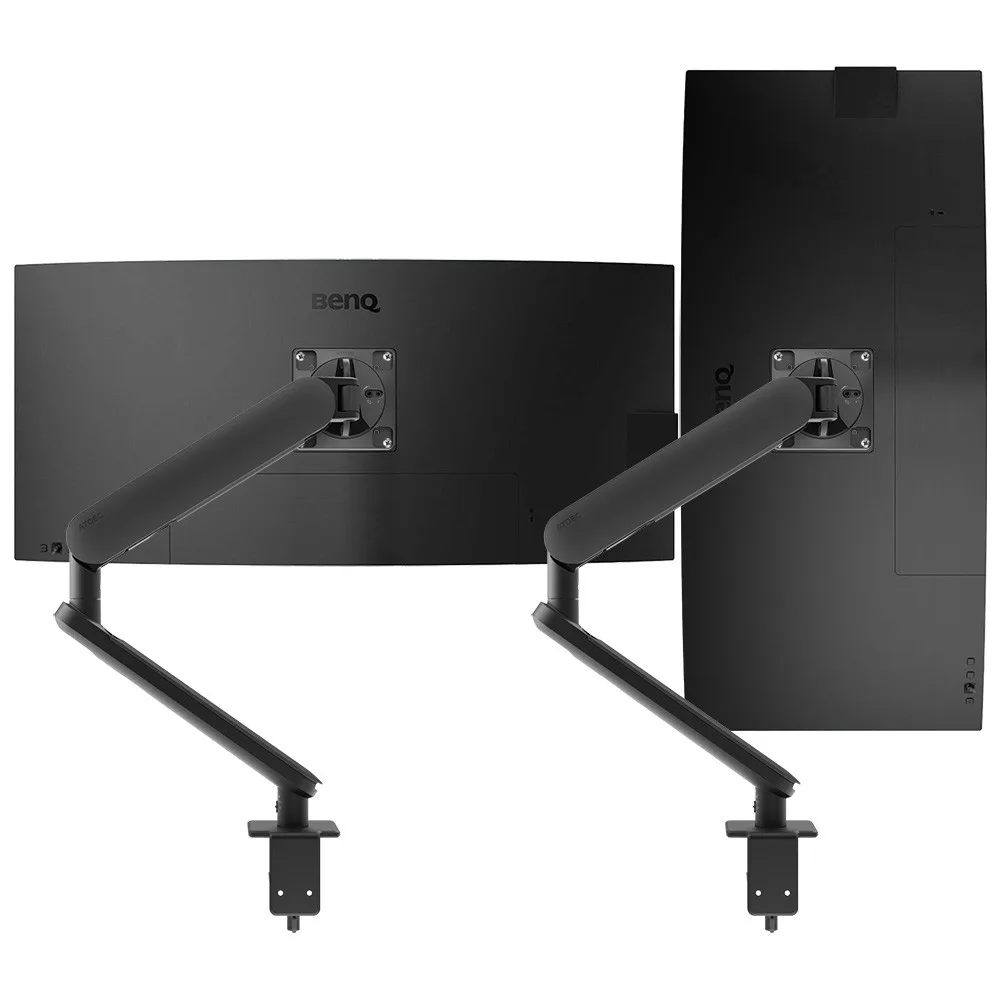
Two independent arms, so each agent sets each screen where they want it.
SEE AWS-ORA2-F-B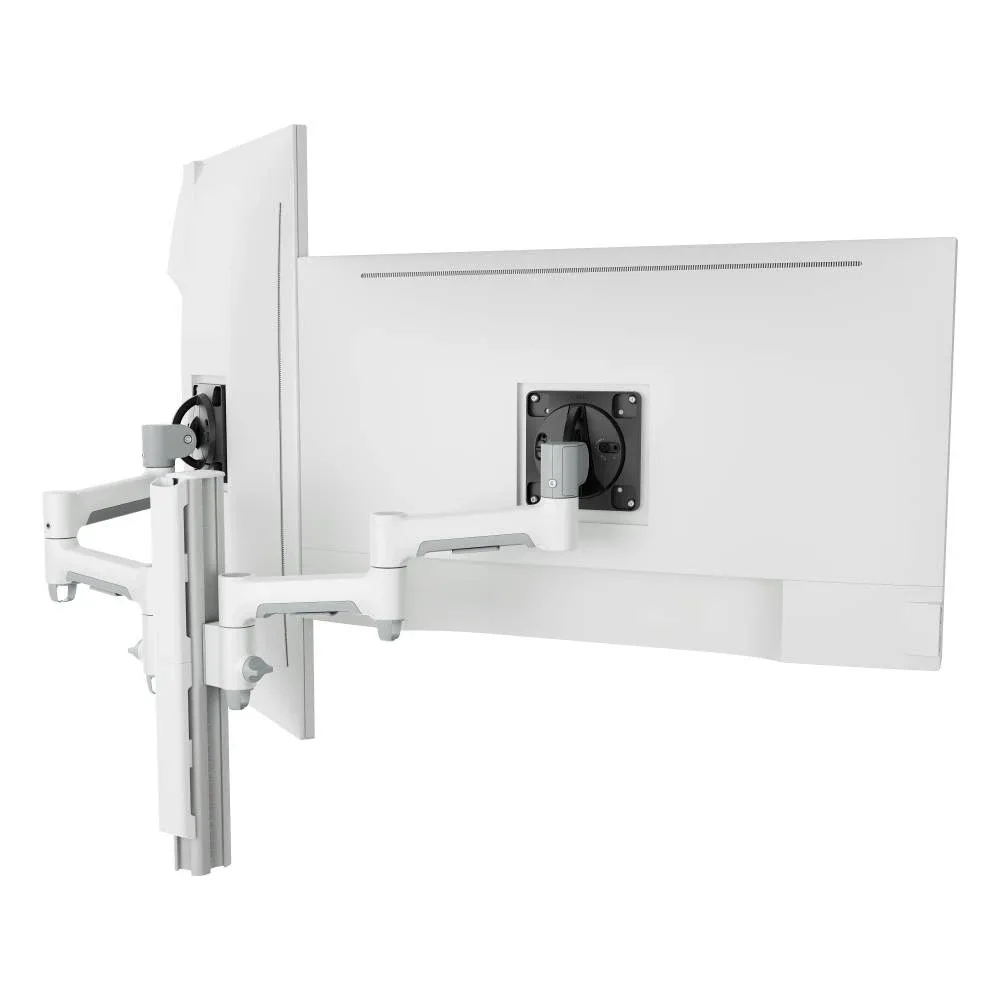
For heavier 27 to 32-inch screens on team leader desks, on a fixed post.
SEE AWMS-2-4640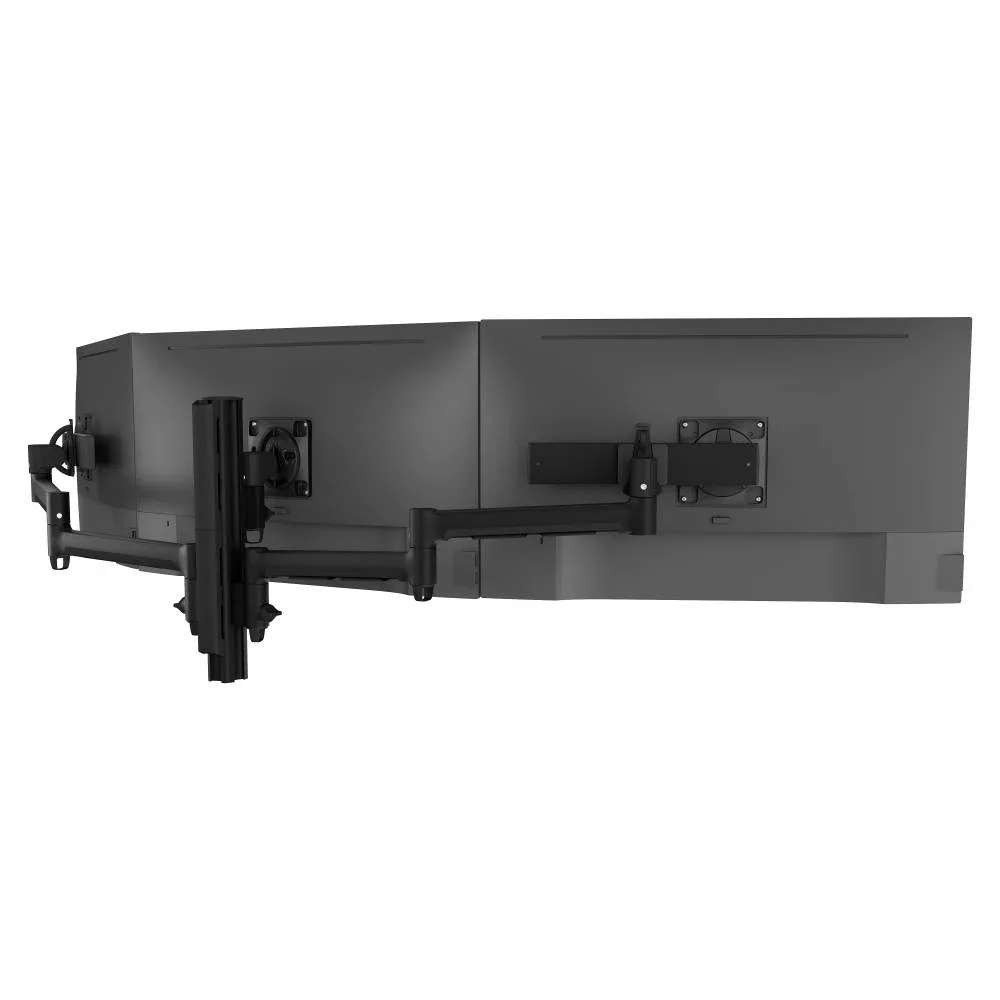
Three screens on one post for team leaders watching queues, dashboards and calls at once.
SEE AWMS-3-137S4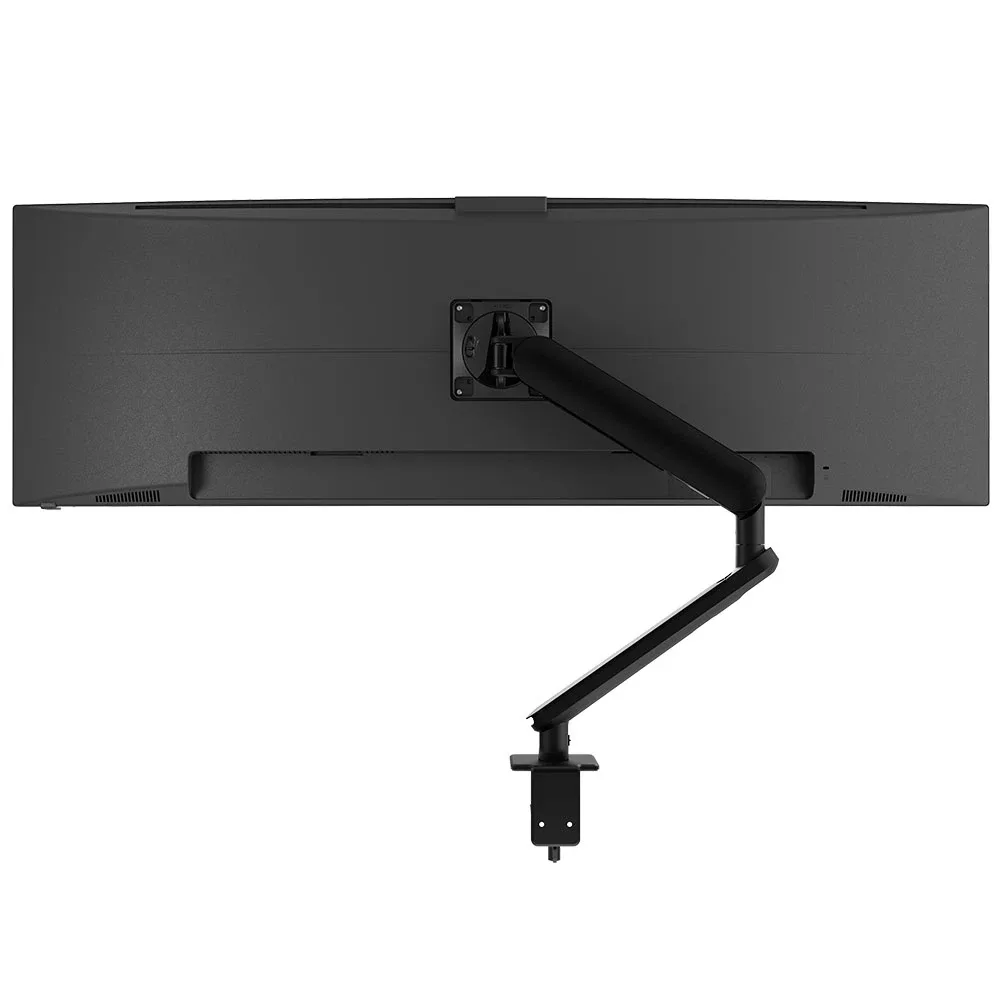
For one large screen of 27 to 49-inch, such as a team leader's dashboard view.
SEE AW-ORA10-FNot sure which arm suits your screens? Read how to check monitor arm compatibility.
A floor of shared desks is easiest to run when every seat uses the same arms, set the same way.
Single monitor arm solution for any combination of landscape and portrait monitors, so IT stocks one system for the whole floor.
Rotation can be locked to 180 degrees or left free to turn a full 360, so arms and screens stop where IT sets them.
Generous cable management bays, drop-on VESA head, post guide marks, and visual tension indication.
A 10-year warranty, local stock and engineering support, from an Australian-owned company designing mounts since 1998.
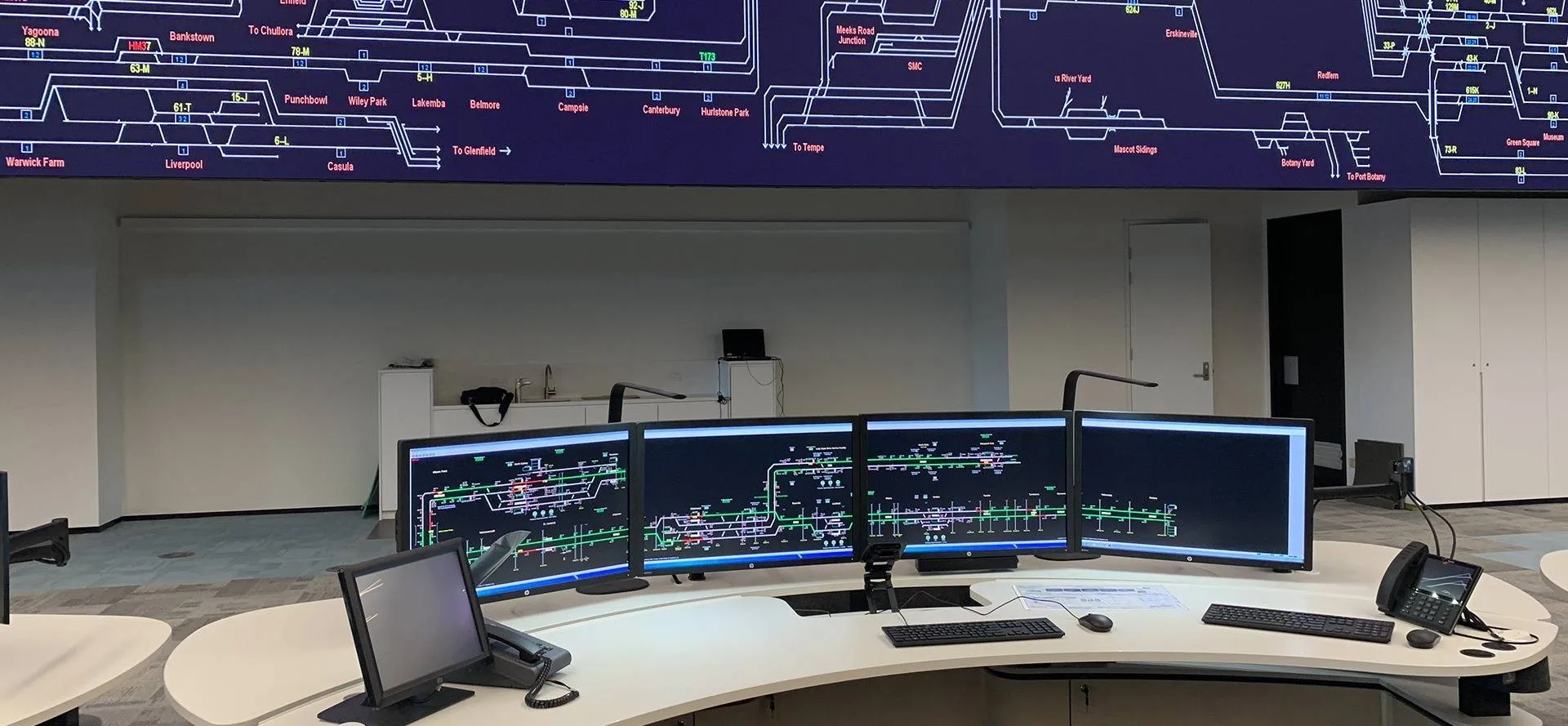
Sydney Trains brought its operations teams together in a Rail Operations Centre that runs 24/7. Atdec posts and arms carry up to five flat and curved screens per workstation, across more than ten display configurations for different roles.
Read the case studyDesks that any agent can make comfortable in seconds. In a call centre, desks are shared across shifts, agents work on two screens, and the floor is dense. Monitor arms let each agent set screen height, depth and angle by hand, keep the desk surface clear for cleaning, and free space between rows. Agree the screen setup per role early, because it affects desk depth, partitions and how cables are run.
Two is the usual answer. One screen holds the CRM and the other holds the queue, chat or knowledge base, so agents don't switch windows while a customer waits. Team leaders often need a third screen, or one larger screen, for dashboards. Our article on two monitors versus one covers why dual screens suit most task-based work.
Make every adjustment quick and tool-free. A desk used across three shifts may serve three different people in a day, so the arm has to move to a new height and depth by hand and then stay put. Show agents how to set the top of the screen near eye level at the start of each shift. Our guide to ergonomics for 24/7 operations goes into more detail.
A commercial-grade arm should be. Look for one that holds its tension through constant adjustment, with a weight rating that suits your screens and a long warranty. Atdec arms carry a 10-year warranty, and the Ora has a counterbalance gauge so installers can set the same tension on every desk. Cheaper arms often cost more over time once replacements and downtime are counted, which matters on a floor that never closes.
Request a free Atdec monitor arm and set it up on a busy agent desk that runs across several shifts. Ask each agent who uses it how quickly they can set it up and whether it holds position. Our team calls before the arm ships to match it to your screens. Once the pilot is done, we'll give you specifications, warranty details and case studies to take your recommendation through purchasing.
Request a free Atdec monitor arm to test with your monitors and your agents. It's yours to keep. We'll call first to match the arm to your screens, so you can judge it on a real desk before you set the site standard.