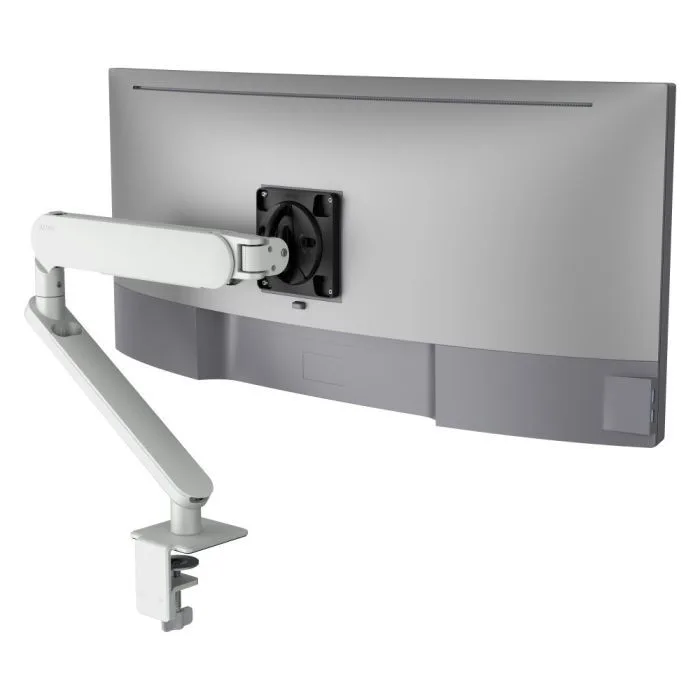
AW-ORA-F-W
Ora with F-clamp, white 2 to 8kg · up to 38-inchA single arm in white that any member adjusts by hand, with a rotation limiter for tight rows.
SEE AW-ORA-F-W
Test an Atdec arm with your own monitors and your own members, then take what you learn into your next fit-out or new floor.
Most coworking spaces sell both. The screen setup should match how each desk is used.
| Hot desk | Dedicated desk | |
|---|---|---|
| Who sits there | A different member most days | The same member every day |
| What they bring | A laptop, and not much else | A laptop, often with their own setup left in place |
| What the desk needs | One screen anyone can adjust by hand in seconds, and a clear surface | One or two screens, set once and left where the member likes them |
| Arm to start with | Ora with F-clamp, or Ora Duo laptop combo | Ora Duo, or dual arms on a post |
Desks, chairs and screens all shape how members feel about the space. For the screens, six points matter most.
More on shared desks in our guide to Ora monitor arms for hybrid office desks, and why the right equipment helps make the office worth the trip.
Most spaces need no more than three setups. Match each one to a membership tier.
One monitor on an arm beside the member's laptop. Any member can set it up in seconds and leave the desk clear for the next person.
Two monitors on independent arms for members who are in most days. Either screen can turn to portrait for documents or code.
A single large or ultrawide monitor, up to 49-inch on the Ora 10. Curved ultrawides are usually best kept in landscape.
Members who want a portrait screen for reading or coding can turn any monitor on these arms. Our vertical monitor setup guide explains how.
Six arms from the Atdec range that suit shared and dedicated desks, with each one's weight rating.
A single arm in white that any member adjusts by hand, with a rotation limiter for tight rows.
SEE AW-ORA-F-W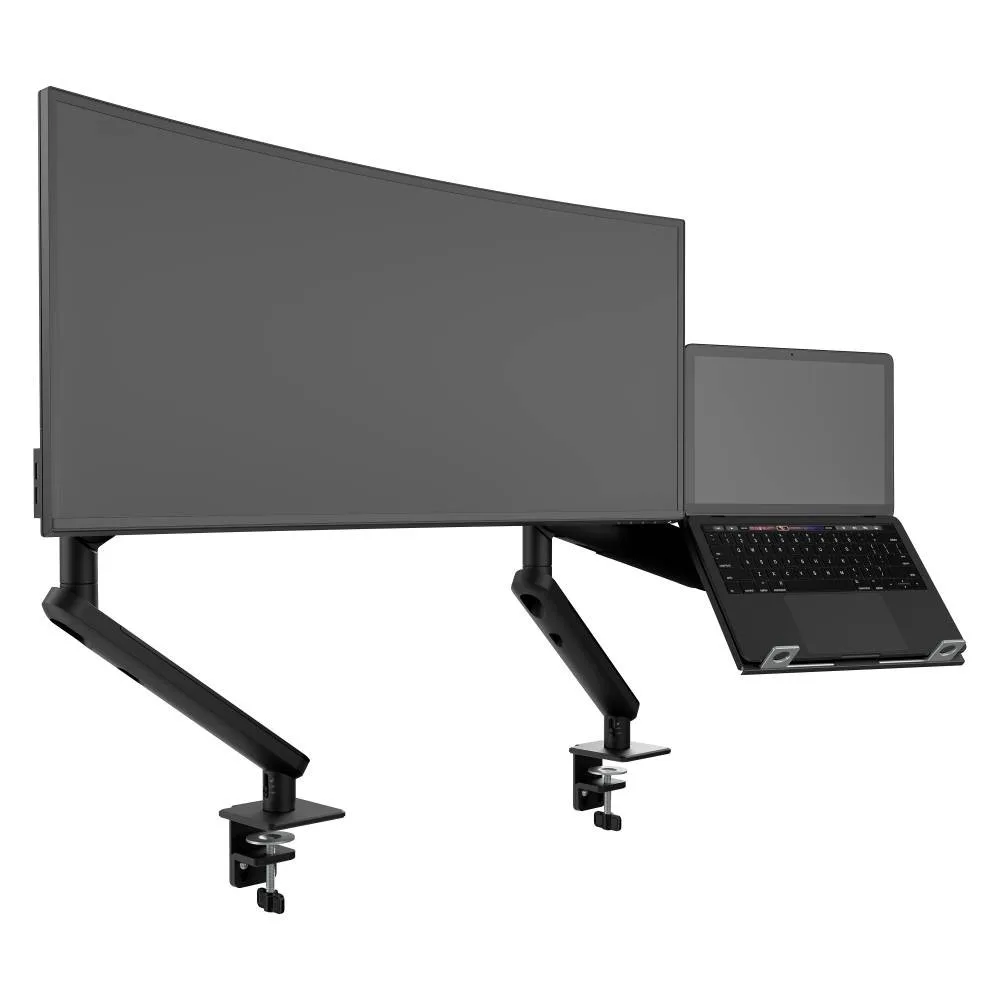
A monitor arm beside a ventilated laptop tray, made for members who bring a laptop.
SEE AWS-N-ORA2-F-B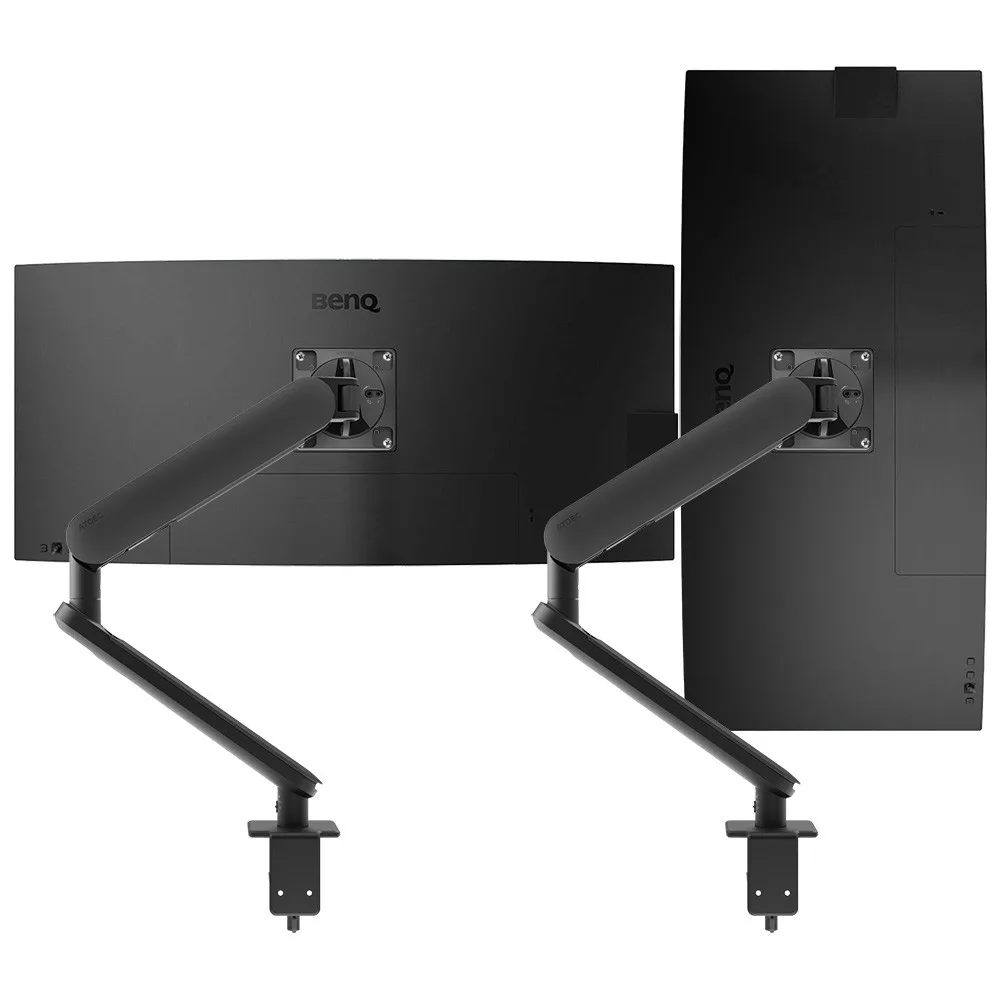
Two independent arms for dedicated desks, so each screen sits where the member wants it.
SEE AWS-ORA2-F-B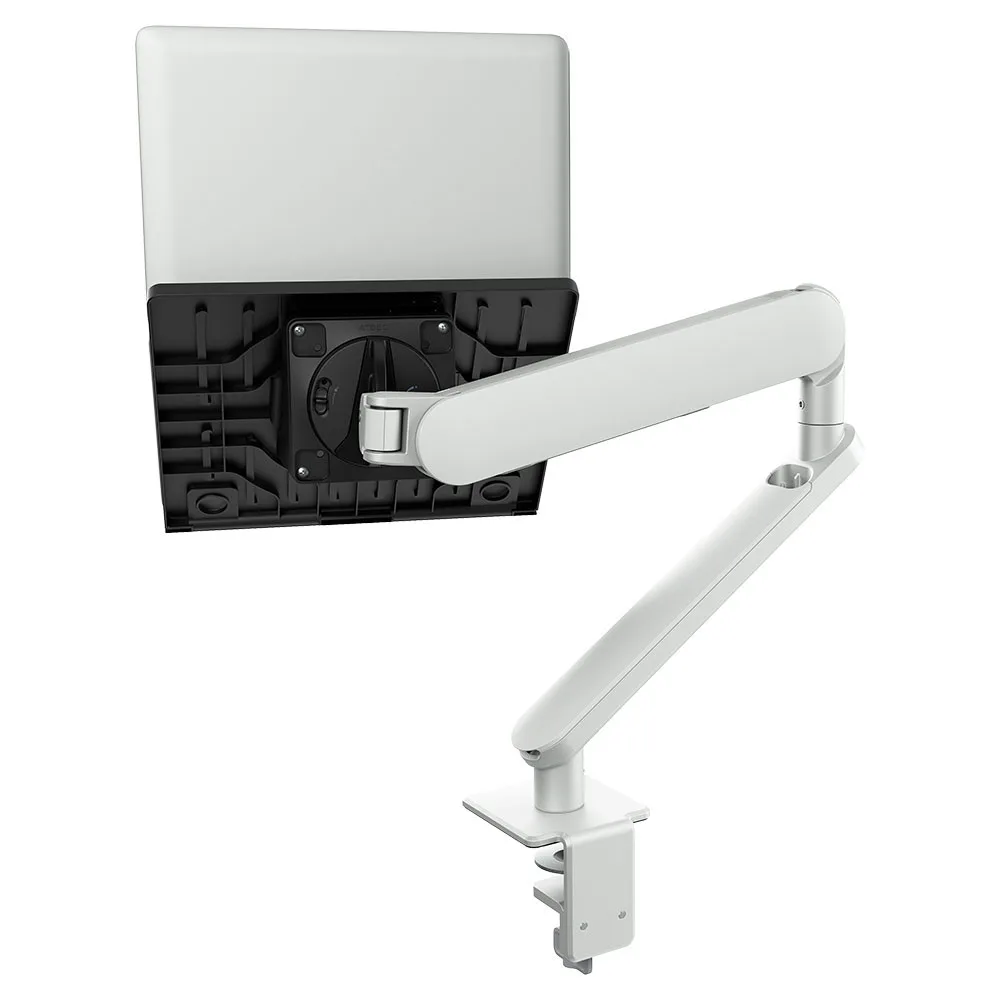
A laptop tray on an Ora arm in white, lifting the laptop off the desk for hot desks.
SEE AWS-N-ORA-F-W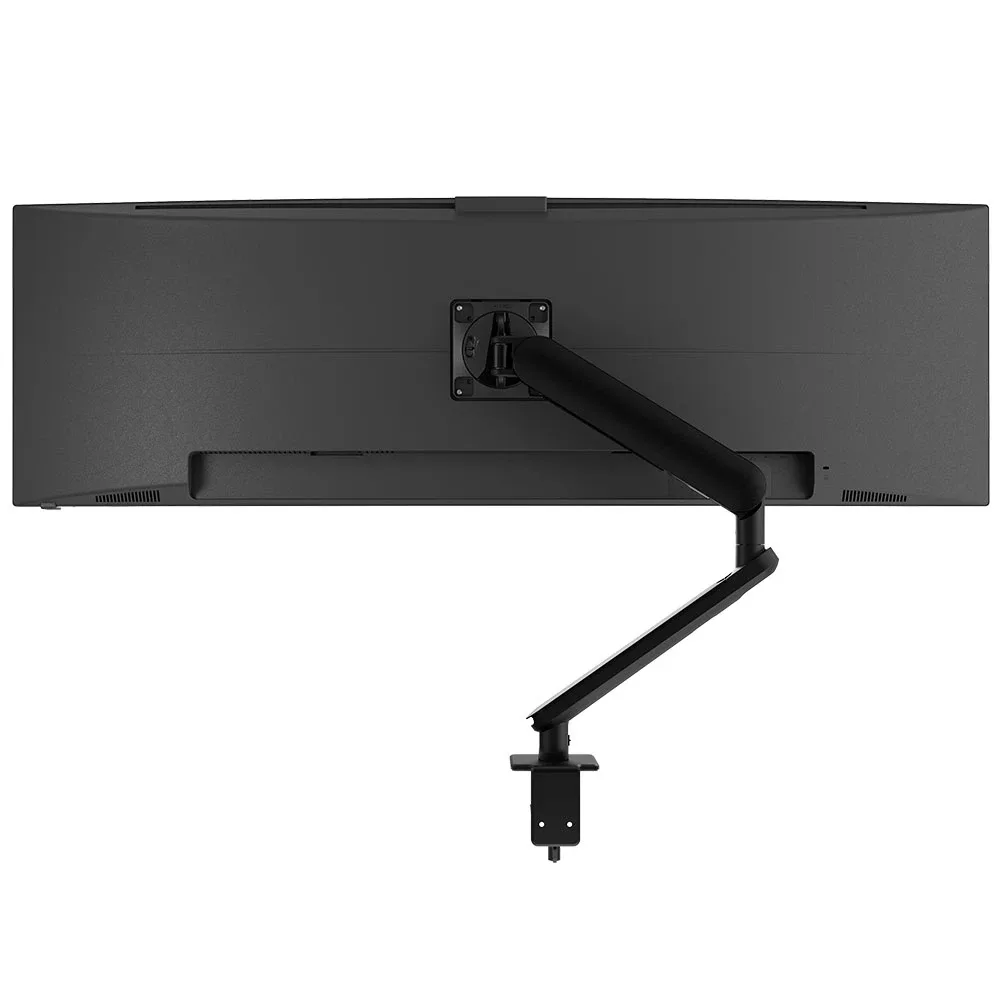
For a large or ultrawide screen of 27 to 49-inch on premium desks.
SEE AW-ORA10-F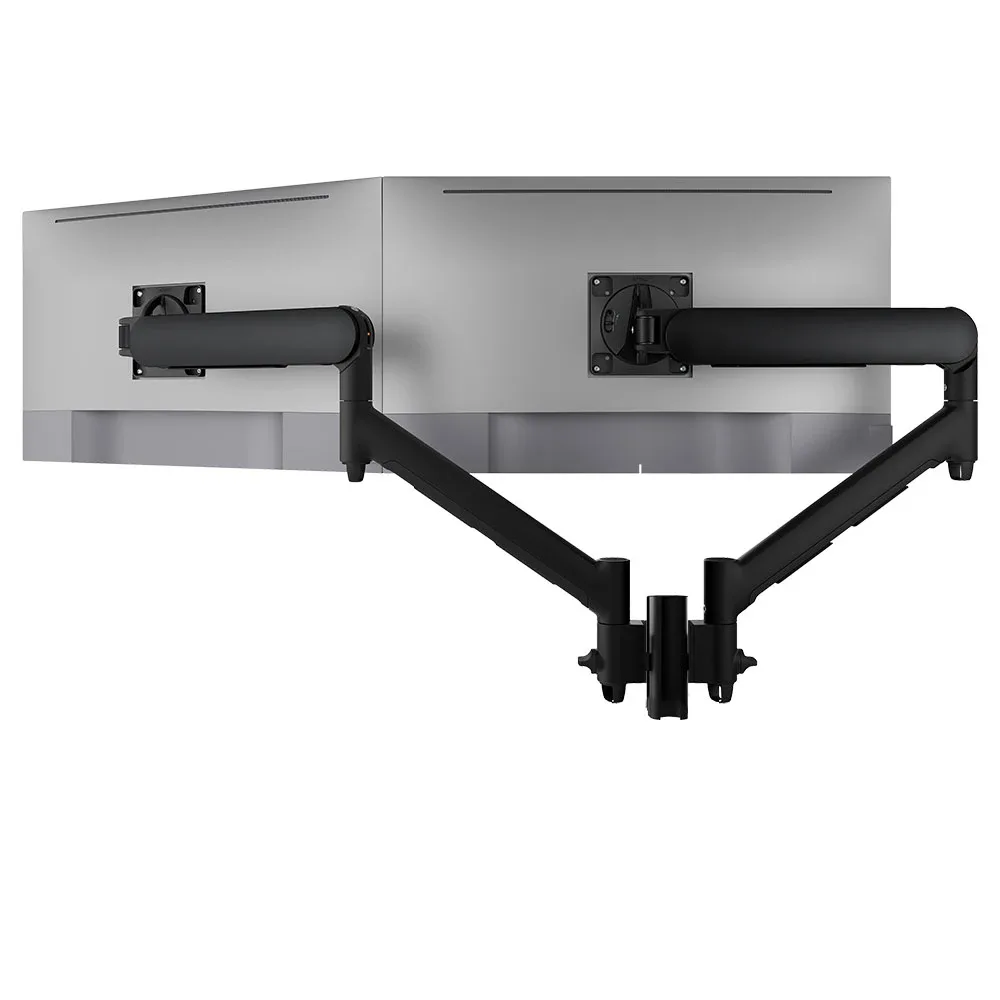
Two arms on one short post with five desk fixing options, for dedicated desks with two screens.
SEE AWMS-2-D13Not sure which arm suits your screens or desks? Read how to check monitor arm compatibility.
A coworking floor is easier to run, and looks better, when every desk uses the same arms in the same finish.
Single monitor arm solution for any combination of landscape and portrait monitors, so you stock one system for every desk in the space.
Rotation can be locked to 180 degrees or left free to turn a full 360, so arms and screens stop where you set them.
Generous cable management bays, drop-on VESA head, post guide marks, and visual tension indication.
A 10-year warranty, local stock and engineering support, from an Australian-owned company designing mounts since 1998.
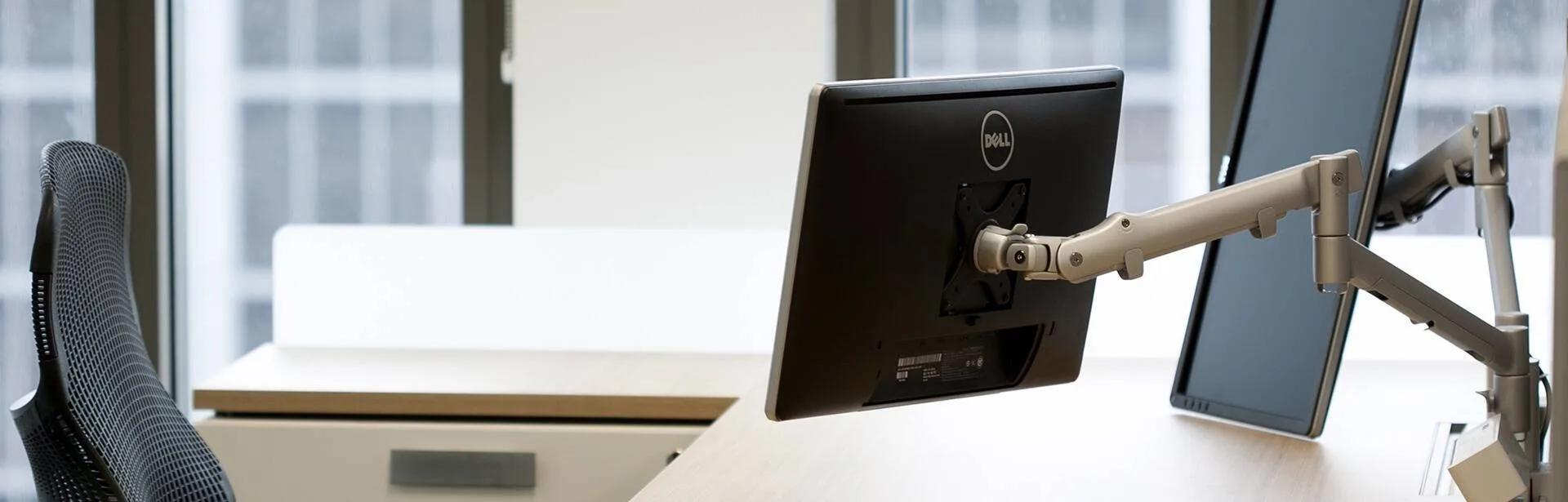
DLA Piper refurbished its Sydney office as an activity-based workplace. Quick-release heads on Atdec arms let displays move between workstations, or swap for a notebook tray, so staff can change desk, screen position and device.
Read the case studyA comfortable chair, a desk with room to work and, more and more, a proper screen. Most members bring a laptop, so a monitor on an arm gives them a larger screen at the right height without taking over the desk. Offer it on some or all desks depending on your tiers. Choose one arm family across the floor so every coworking desk looks consistent and spares are simple.
If your members work on laptops for more than an hour or two, a monitor gives them a real reason to book a desk instead of working from a café or home. On a hot desk the screen must be easy for anyone to adjust, so choose an arm that moves by hand and holds its position. A laptop tray beside the monitor helps members raise the laptop screen too. Start with a few equipped desks and watch how often they get booked.
A commercial-grade arm is built for it. Look for tool-free adjustment, a counterbalance that holds the screen where it is left, and a long warranty. Atdec arms carry a 10-year warranty, and the Ora includes a rotation limiter so a swung monitor doesn't clip the screen beside it. Cheaper arms tend to drift or lose tension, which members notice quickly.
Yes. The arm holds the monitor, and members connect their laptop to that monitor as they would on any desk, so your choice of cable or dock is separate from the arm. For members who want the laptop raised too, the Ora Duo laptop combo pairs a monitor arm with a ventilated laptop tray. The arm stays clamped to the desk while members come and go.
Request a free Atdec monitor arm and set it up on a busy hot desk or a dedicated desk. Ask the members who use it how quickly they can set it up and whether it stays put. Our team calls before the arm ships to match it to your screens. Once the trial is done, we'll give you specifications, warranty details and case studies to support a decision on a wider rollout.
Request a free Atdec monitor arm to test with your monitors and your members. It's yours to keep. We'll call first to match the arm to your screens, so you can judge it on a real desk before you set the standard for your space.