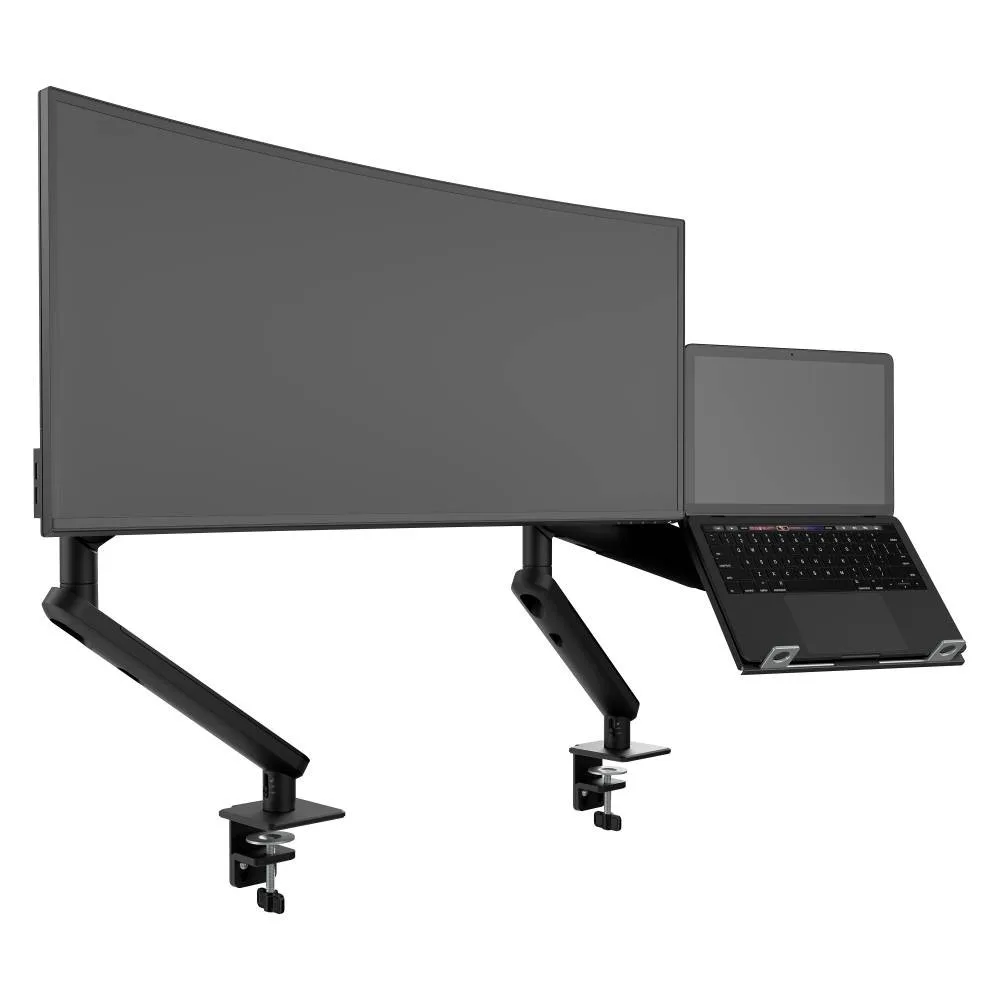
AWS-N-ORA2-F-B
Ora Duo laptop combo Monitor 2 to 8kg · up to 38-inchA monitor arm beside a ventilated laptop tray, so people bring a laptop and nothing else.
SEE AWS-N-ORA2-F-B
Test an Atdec arm with your own monitors and the people who actually rotate through your hot desks.
Hot desking removes assigned seats. People book or pick a shared desk for the day and leave it clear for the next person.
With assigned desks, each person tunes their own setup over months. With desk sharing, that tuning happens every morning, so the desk has to make it quick. If one desk has a different dock, a fixed stand or a screen that needs tools to move, people notice straight away and avoid it.
So the job for IT is a single standard that every shared desk meets, plus a simple routine that keeps it that way. For the arm specification itself, including reach, tilt range and clamp fit, see our article on Ora monitor arms for hybrid office desks.
Six things to build into every shared desk. If a desk meets all six, anyone can sit down and start work in a couple of minutes.
Hot desk booking tells you who used which desk and when. A short reset at the end of each day keeps every desk at the standard.
Leave screens where the last person put them? It is usually fine. The next person adjusts in seconds, so a reset to a default height adds work without much benefit.
Some people dislike hot desking, and their reasons are fair. A good shared desk setup answers most of them.
A setup can't fix everything. People with specific ergonomic needs may still need an assigned desk, so plan for a few. For more on why the office kit matters to people coming back in, read why the return-to-office debate is really about equipment.
Three Ora setups for hot desks, for a laptop plus screen, a single screen, or two screens.
A monitor arm beside a ventilated laptop tray, so people bring a laptop and nothing else.
SEE AWS-N-ORA2-F-B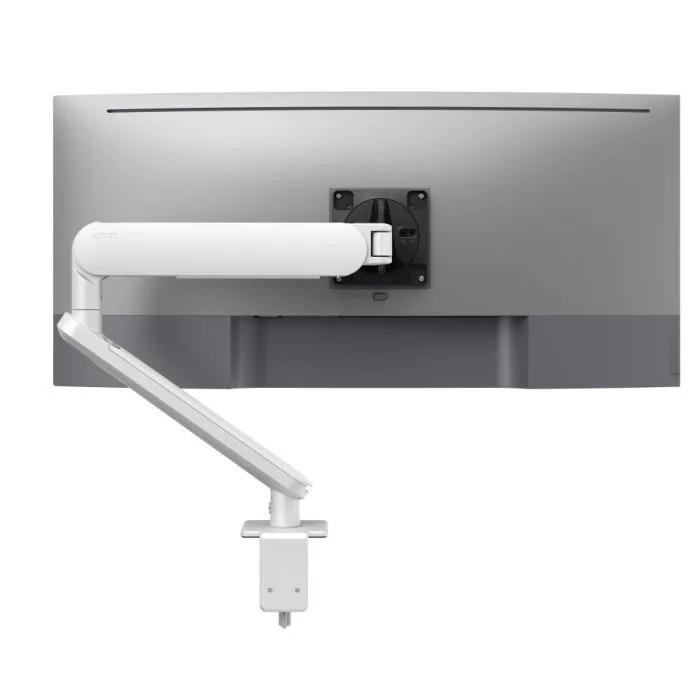
A single arm that each new person adjusts by hand, in white for light desk finishes.
SEE AW-ORA-F-W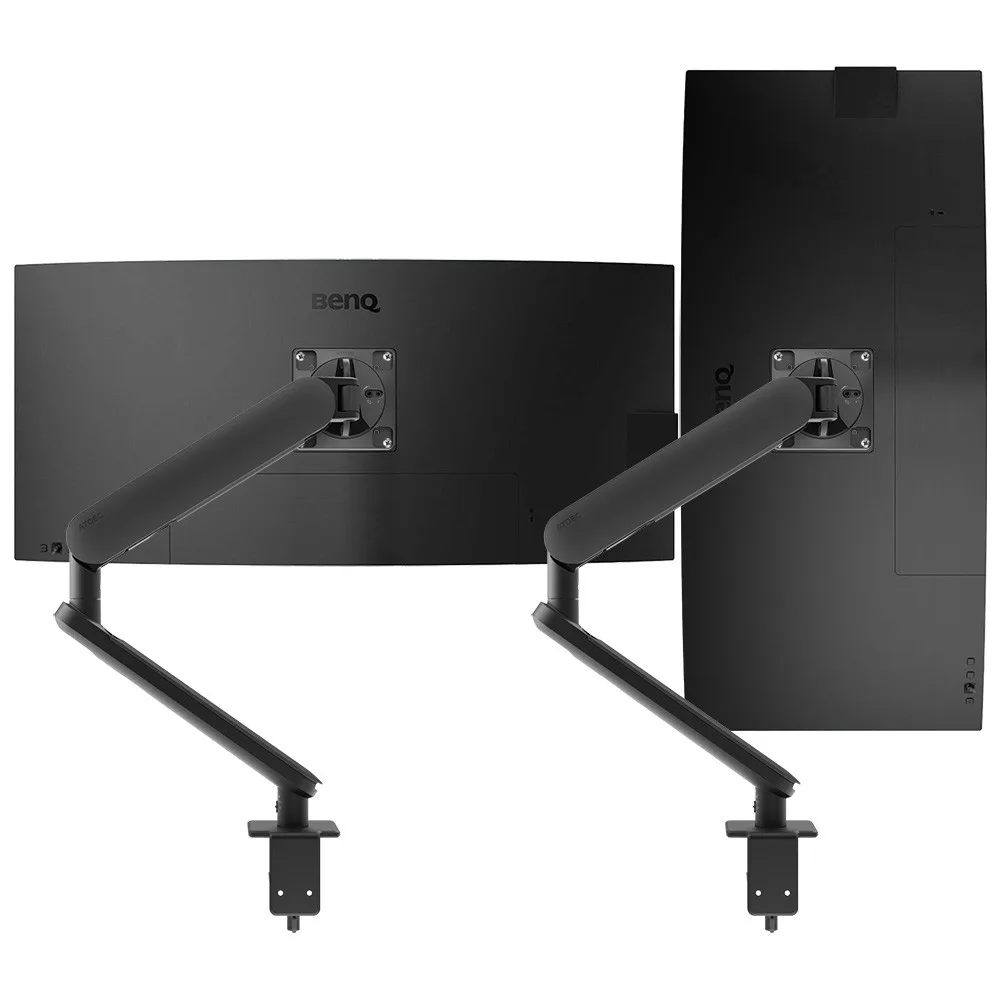
Two arms, each on its own clamp, for shared desks where teams need a second screen.
SEE AWS-ORA2-F-BBrowse the full range of monitor arms, check fit with our monitor arm compatibility guide, or see how a vertical monitor setup works on desks where people read long documents.
Shared desks run best when every one uses the same mounting system, so people learn it once and IT supports one range.
Single monitor arm solution for any combination of landscape and portrait monitors, so IT stocks one system for the whole floor.
Rotation can be locked to 180 degrees or left free to turn a full 360, so arms and screens stop where IT sets them.
Generous cable management bays, drop-on VESA head, post guide marks, and visual tension indication.
A 10-year warranty, local stock and engineering support, from an Australian-owned company designing mounts since 1998.
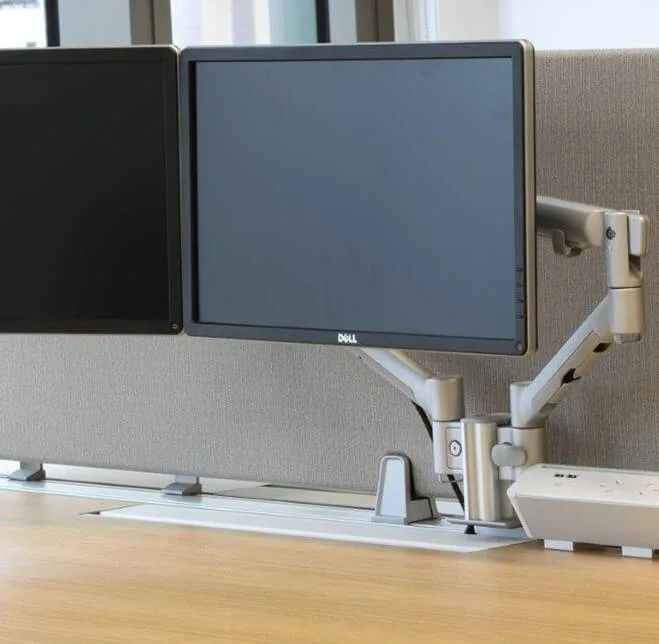
DLA Piper refurbished its Sydney office as activity based open plan space. Quick-release heads on Atdec arms let displays move between workstations, or swap for a notebook tray, so people can change desk, screen position and device.
Read the case studyA hot desk is a shared desk that nobody owns. People book it or choose it when they arrive, use it for the day and leave it clear for the next person. Hot desking usually suits teams who are in the office some days and not others, so the number of desks can match attendance rather than headcount. For IT, it means every shared desk needs the same standard setup, because nobody gets to tune their own over time.
Pick one connection standard, one arm family and one desk layout, and apply them to every shared desk. A single cable or dock lets any laptop work at any desk. Monitor arms that adjust by hand let each person fit the screen to their height without tools or a support ticket. Keeping the same kit everywhere also means one set of spares and one set of install steps.
Not always, but it helps once a floor has more people than desks on busy days. Hot desk booking lets people reserve a spot near their team and shows IT and facilities which desks are used and which sit empty. That data is useful when you plan the next refresh or decide how many dual-screen desks to keep. Small teams with plenty of spare desks can often manage with a first-come approach.
Many hot desks work well with a laptop plus one monitor, which keeps the desk simple and leaves more surface clear. Teams who spend the day in spreadsheets, code or several applications at once often prefer two screens. A common approach is to set most shared desks up as laptop plus one, and keep a block of dual-screen desks bookable for those teams. Either way, use arms from the same family so the experience is the same.
Request a free Atdec monitor arm and install it on one of your busiest shared desks. Our team calls first to match the arm to your screens. Over a few weeks, ask the different people who book that desk how quickly they could set it to suit them, since that is the test every hot desk has to pass. When you're ready, we'll give you specifications, warranty details and case studies to take your recommendation through purchasing.
Request a free Atdec monitor arm to test with your monitors and your team. It's yours to keep. We'll call first to match the arm to your screens, so you can judge it on a shared desk before you set the standard for every hot desk.