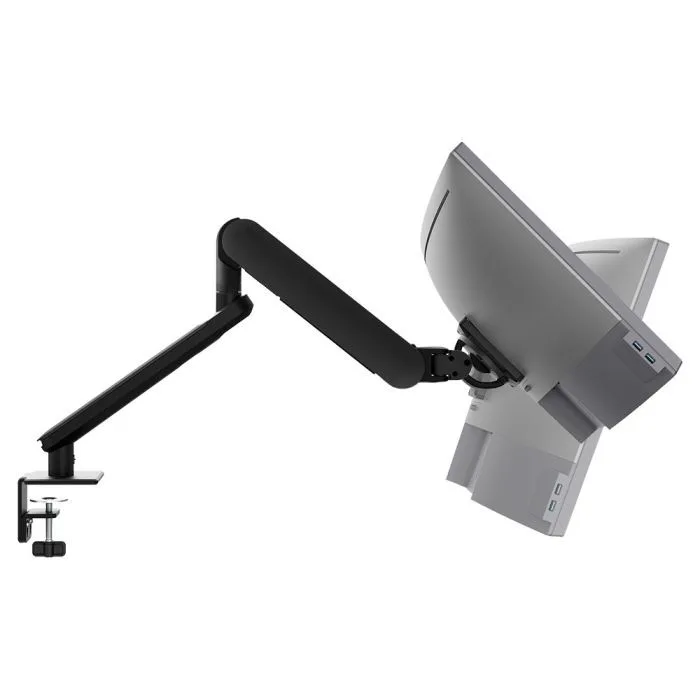
AW-ORA-F-B
Ora with F-clamp 2 to 8kg · up to 38-inchLong vertical reach and toolless adjustment, so each user sets the top of the screen to their own eye level.
SEE AW-ORA-F-B
Test an Atdec arm with your own monitors and your own team, then take what you learn into your next office project.
Set the top of the screen at or slightly below eye level, about an arm's length away. That is the widely accepted answer to "how high should my monitor be?" and the starting point for an ergonomic monitor height. The six checks below cover the rest of a correct monitor position.
These checks match tip two in our 10 ergonomic tips, which also covers chair and keyboard height.
Most people don't notice a poor screen position until they feel it. These are the signs to look for on a walk around the floor.
The chin lifts and the head tips back to read the top of the screen. Common on tall stands, large monitors and screens on risers.
The head drops forward and the shoulders round. Almost always the case when someone works straight from a laptop on the desk.
The user leans in to read, or pushes back from the desk. Text size and monitor distance are usually the cause.
The eye-level rule holds for every setup. How you apply it changes with the desk and the person.
Keep both screens at the same height. If one is used most, centre it in front of the user and angle the second beside it. If both are used equally, place them so they meet in the middle. See dual monitor configurations.
Posture changes between sitting and standing, so check the screen at both heights. The arm needs enough range for comfortable viewing either way. More in our guide to workstation ergonomics.
These users read through the lower part of their lenses, so a standard height makes them tip their head back. Lower the screen and tilt it back a little more. Some find dedicated computer glasses easier, which is a question for their optometrist.
A laptop screen on the desk sits well below eye level. Pair it with a monitor at the right height and a separate keyboard, or raise the laptop on a tray beside the monitor.
A fixed stand sets the screen height by the monitor, not by the person in front of it. Many stands only tilt, so a tall user and a short user get the same screen.
That matters most on hot desks and shared desks, where a different person may sit down each day. An adjustable monitor arm lets each user move the screen to their own eye level in seconds, without tools. Read more on monitor arms versus stands and how teams plan monitor arm rollouts for corporate offices.
Three Atdec arms that set screen height, depth and tilt for single and dual desks, with each one's weight rating.
Long vertical reach and toolless adjustment, so each user sets the top of the screen to their own eye level.
SEE AW-ORA-F-B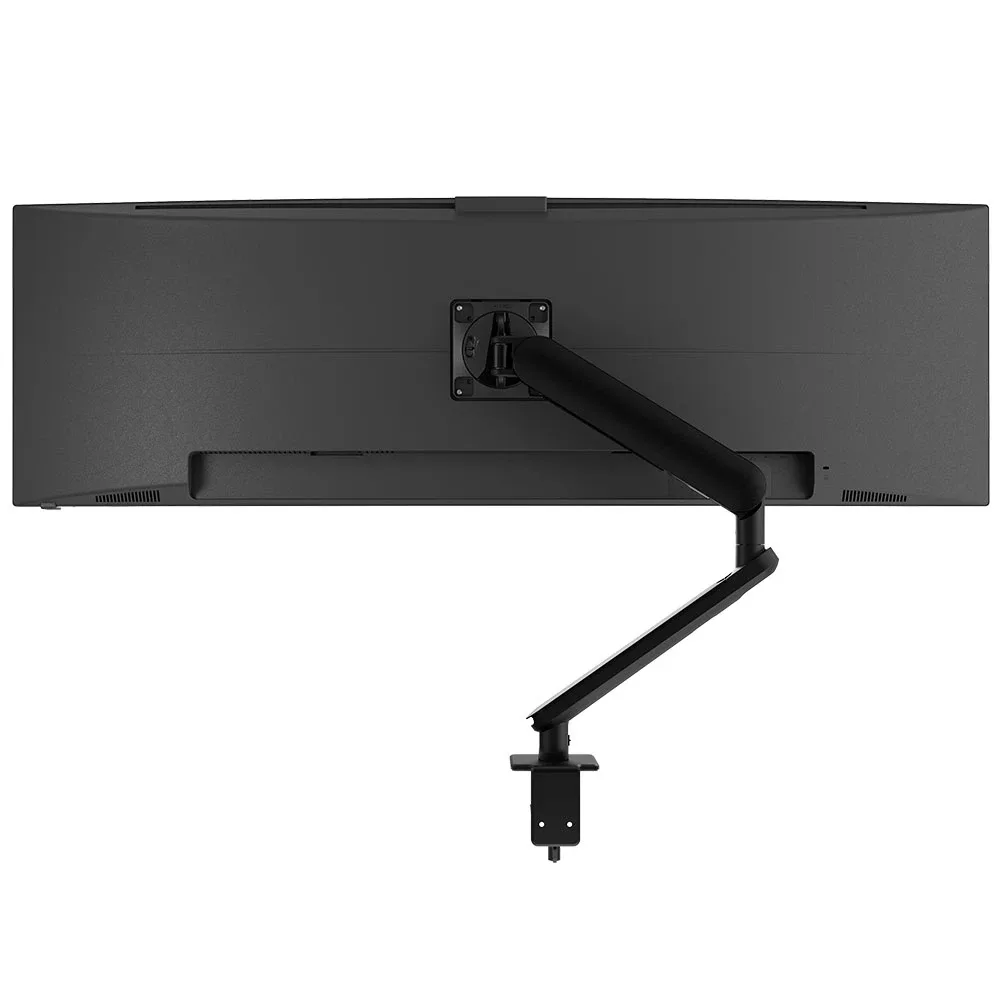
For larger, heavier screens that need to sit lower and further back to stay comfortable.
SEE AW-ORA10-F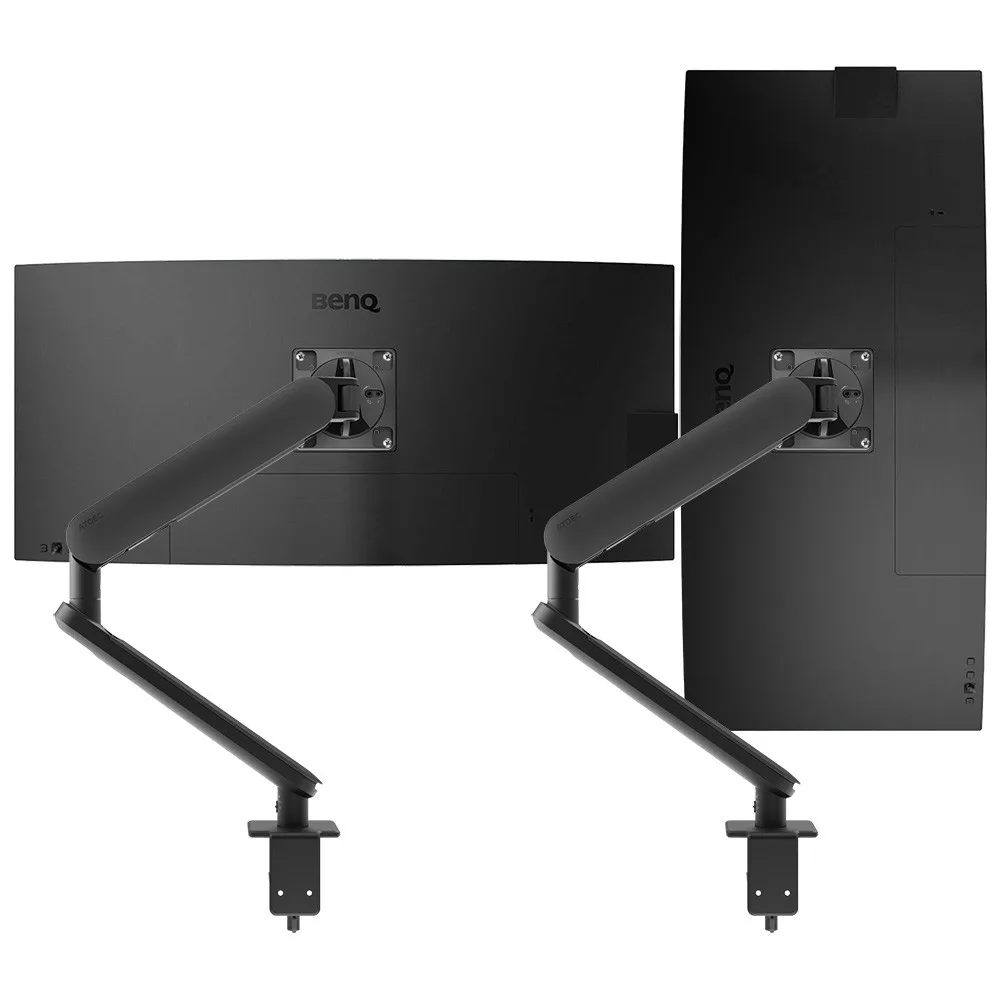
Two independent arms, so dual screens sit at matching heights in a primary-secondary or symmetrical layout.
SEE AWS-ORA2-F-BTurning a screen to portrait raises its top edge, so the height needs resetting. See our vertical monitor guide.
The right height differs for every user. The hardware that gets them there should be the same on every desk.
Single monitor arm solution for any combination of landscape and portrait monitors, so IT stocks one system for the whole floor.
Rotation can be locked to 180 degrees or left free to turn a full 360, so arms and screens stop where IT sets them.
Generous cable management bays, drop-on VESA head, post guide marks, and visual tension indication.
A 10-year warranty, local stock and engineering support, from an Australian-owned company designing mounts since 1998.
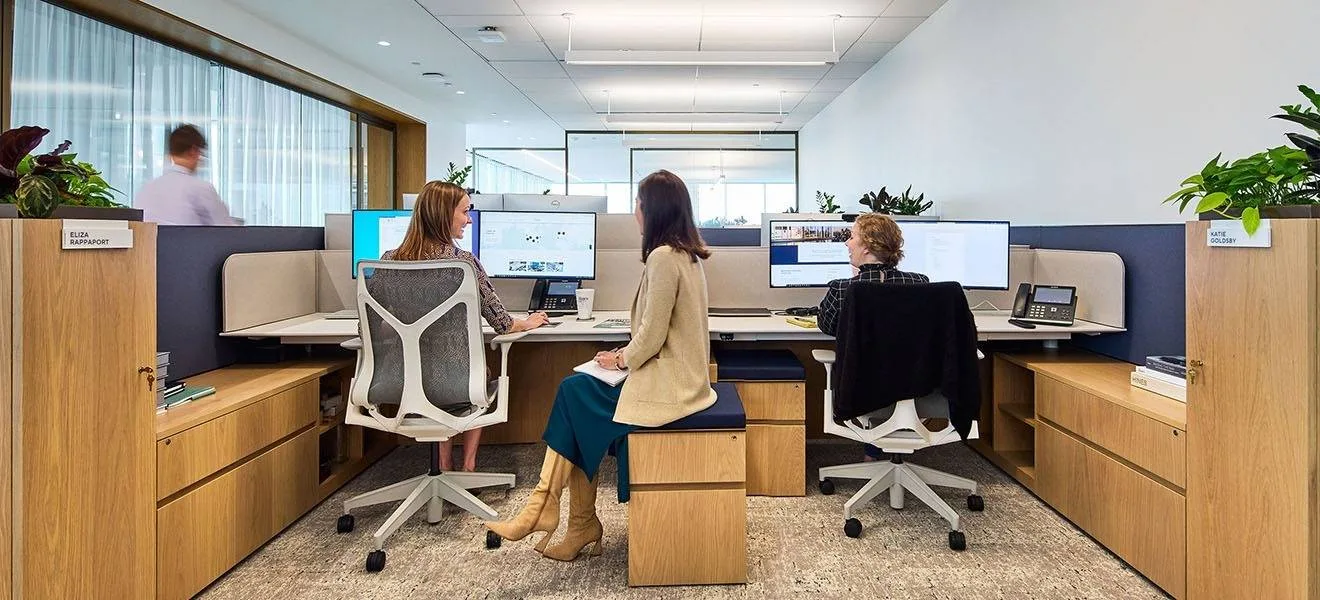
Atdec AWMS-2-D13 dual monitor arms on benching desks, chosen for ergonomic adjustment across varied postures and focal distances, with fingertip height, depth and rotation controls.
Read the case studyThe top of the screen should sit at or slightly below eye level when the user sits or stands upright. The eyes then look slightly down to the middle of the screen and the neck stays neutral. The optimal monitor height is personal, because it depends on the user's height, chair and desk. That is why an adjustable arm suits shared and hot desks better than a fixed stand.
About an arm's length from the eyes is the widely accepted starting point. The user should read text comfortably without leaning in or squinting. Larger screens often sit a little further back, so the whole screen stays in view without turning the head. If people still lean in, check text scaling in the operating system before moving the monitor closer.
Set both screens at the same height, with the tops at or slightly below eye level. If one screen does most of the work, centre it in front of the user and angle the second beside it. If both are used equally, place them so they meet in front of the user. Two independent arms make it easy to match heights when the monitors are different models.
If the arm clamps to the desk, the screen rises and falls with it, but posture changes between sitting and standing. Many users want a slightly different height or tilt when standing, so check the screen in both positions. An arm with toolless adjustment makes that change quick. On a pilot desk, ask the user after a few weeks whether they adjust it between positions.
People with bifocal or progressive lenses read through the lower part of the lens. A screen at standard height makes them tip their head back to see it clearly. Lower the screen and tilt it back a little more, so they can look down through the reading part of the lens. Some users find dedicated computer glasses easier, which is worth raising with their optometrist.
Request a free Atdec monitor arm to test with your monitors and your team. It's yours to keep. We'll call first to match the arm to your screens, so you can judge it on a real desk before you set the site standard.