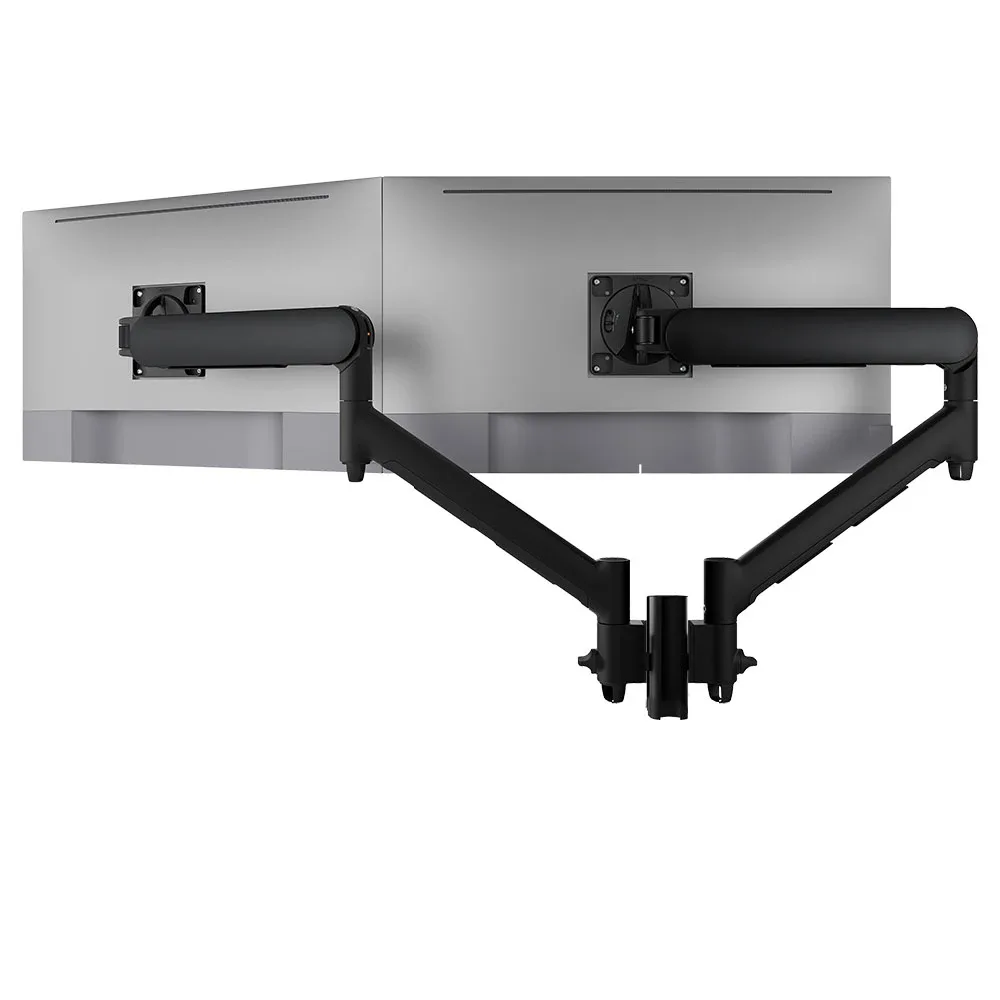
AWMS-2-D13
Dual dynamic arms on a short post 8kg per arm · up to 38-inchOne post, two arms and five fixing options, including grommet, so it fits the desk you specify.
SEE AWMS-2-D13
Test an Atdec arm with your own monitors and your own team, then take what you learn into the fit-out brief.
An office fit-out or refurbishment locks in the desks for years. These are the workstation decisions IT should own, or at least sign off.
Use it as an office fit-out guide for the desk zone. Agree each line with the fit-out contractor before the furniture order goes in.
| Item | What to decide | Why it matters to IT |
|---|---|---|
| Desk construction | Top material and thickness: particleboard, MDF, honeycomb or glass | It sets which fixings will hold. Honeycomb can compress under a clamp, and glass needs a freestanding mount. |
| Sit-stand or fixed | Which teams get height-adjustable desks | Arms and cables must travel with the desk through its full height range. |
| Monitor fleet | Sizes, weight without stand and VESA pattern of every screen you'll keep or buy | Arms are rated by weight and size, so one heavy model can change the standard. |
| Monitors per desk | Single, dual or laptop plus screen, by role | Sets the arm mix and the number of data and power points. |
| Desk fixing | Grommet or clamp, and where on the desk | Grommet holes are best cut when the desks are made. Changing your mind later means drilling on site. |
| Cable management | Route from screen to arm, desk and floor box | Tidy routes make every later swap or fault check quicker. |
| Rotation and limits | Who needs portrait, and whether arms are limited to 180 degrees | Limits stop arms swinging into partitions or a neighbour's screen. |
| Install window | When arms go on, who fits them and who signs off | Arms fit after the desks and before the screens, so the slot has to be in the schedule. |
Both hold a monitor arm securely. The choice depends on the desk and on how often the setup will change.
Fits through a hole in the desk, so the fixing sits neatly in place with nothing over the back edge.
Grips the desk edge with no drilling, so arms can move or be added later without changing the desk.
Compare every option, including heavy-duty and bolt-through fixings, in desk clamps and the best option for you. For bevelled or unusual desk edges, see our guide to bevelled edge desks, and for materials read why desk construction matters.
A short written standard stops each floor or contractor making its own choice. Hand it over with the furniture spec.
Choosing between a shared post and separate arms? Read post or separate monitor arms. Weighing screens? Our compatibility guide covers weight and depth.
Six arms from the Atdec range that cover most desk types in an office fit-out, with each one's weight rating.
One post, two arms and five fixing options, including grommet, so it fits the desk you specify.
SEE AWMS-2-D13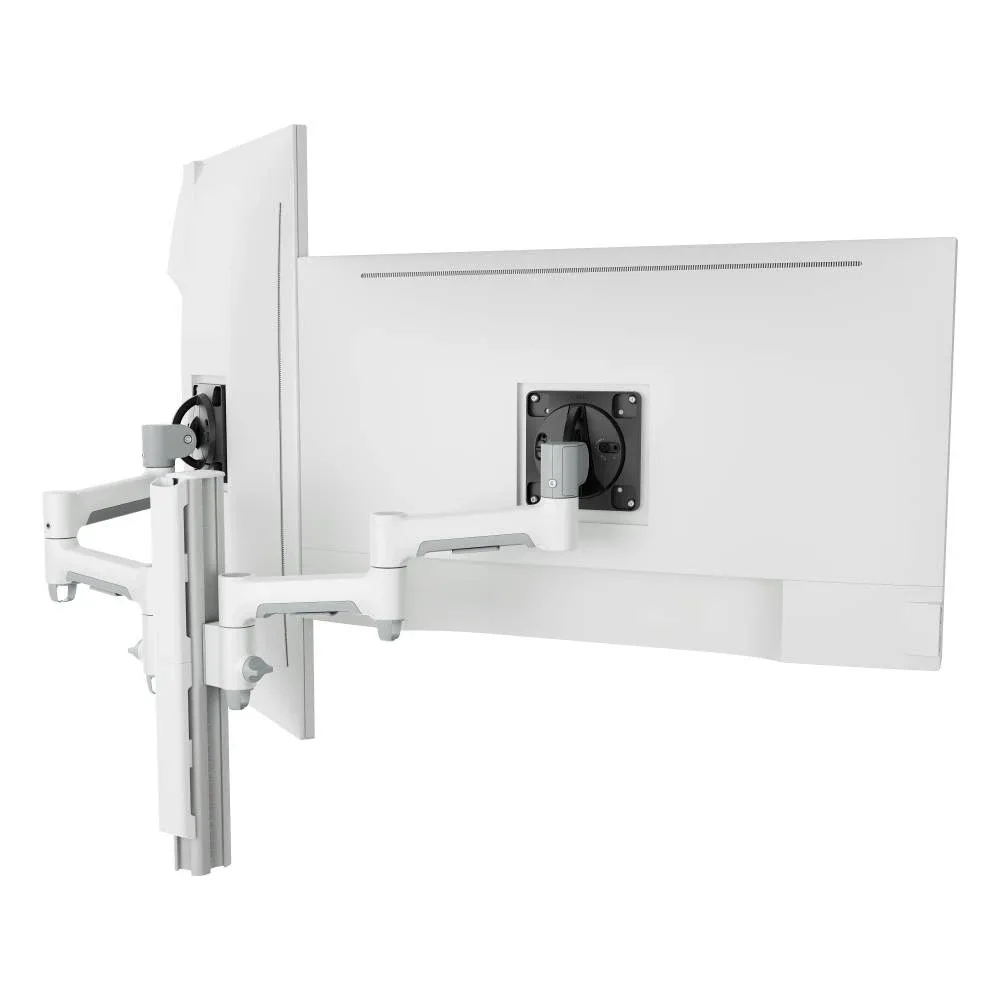
For heavier screens on a fixed post, in white to match light desk frames.
SEE AWMS-2-4640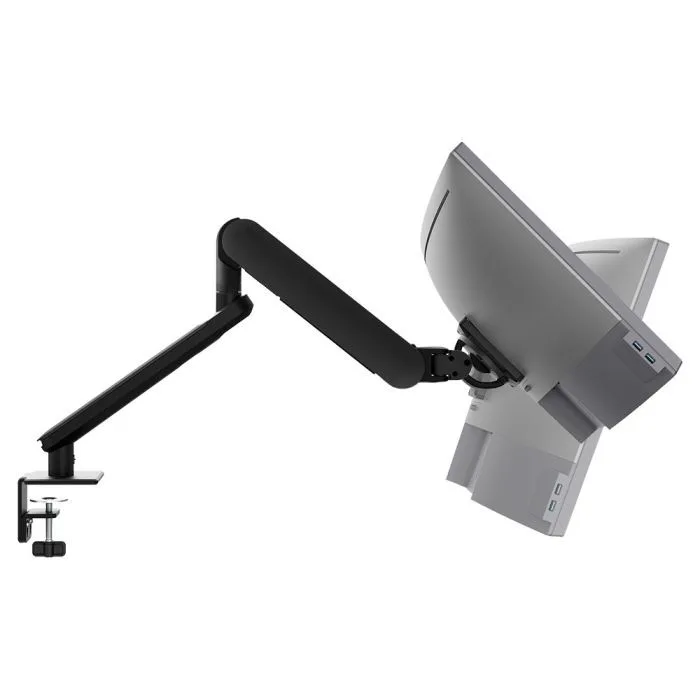
A single arm for one-screen desks, with rotation set to 180 or 360 degrees.
SEE AW-ORA-F-B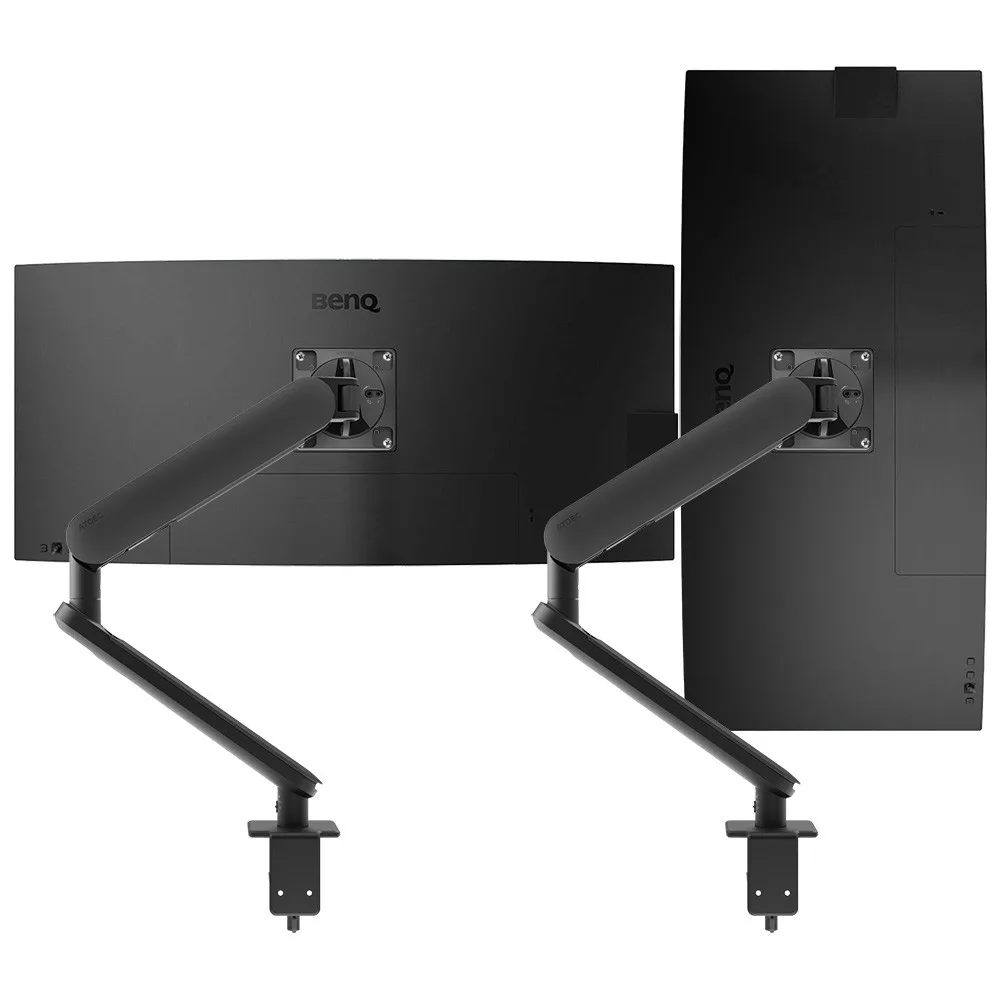
Two independent arms, for dual-screen desks on sit-stand or fixed frames.
SEE AWS-ORA2-F-B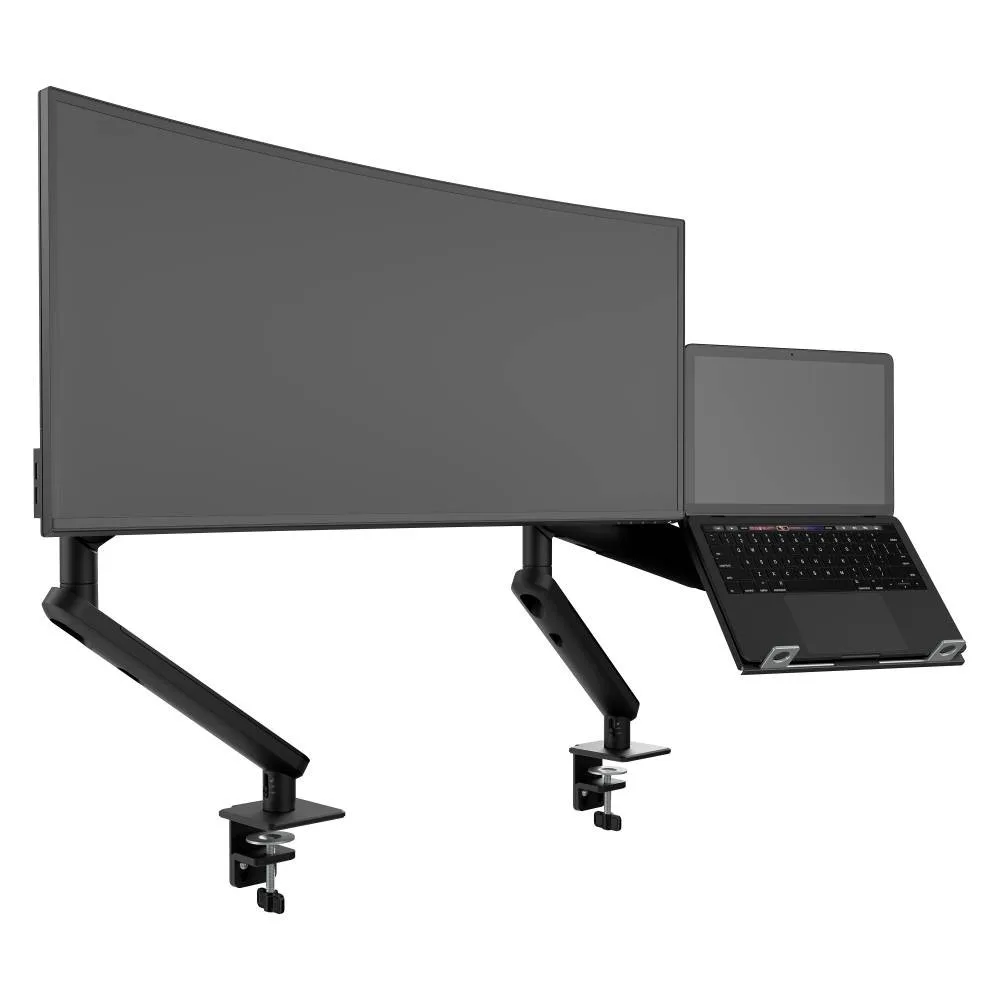
A monitor arm beside a ventilated laptop tray, for laptop-first teams and shared desks.
SEE AWS-N-ORA2-F-B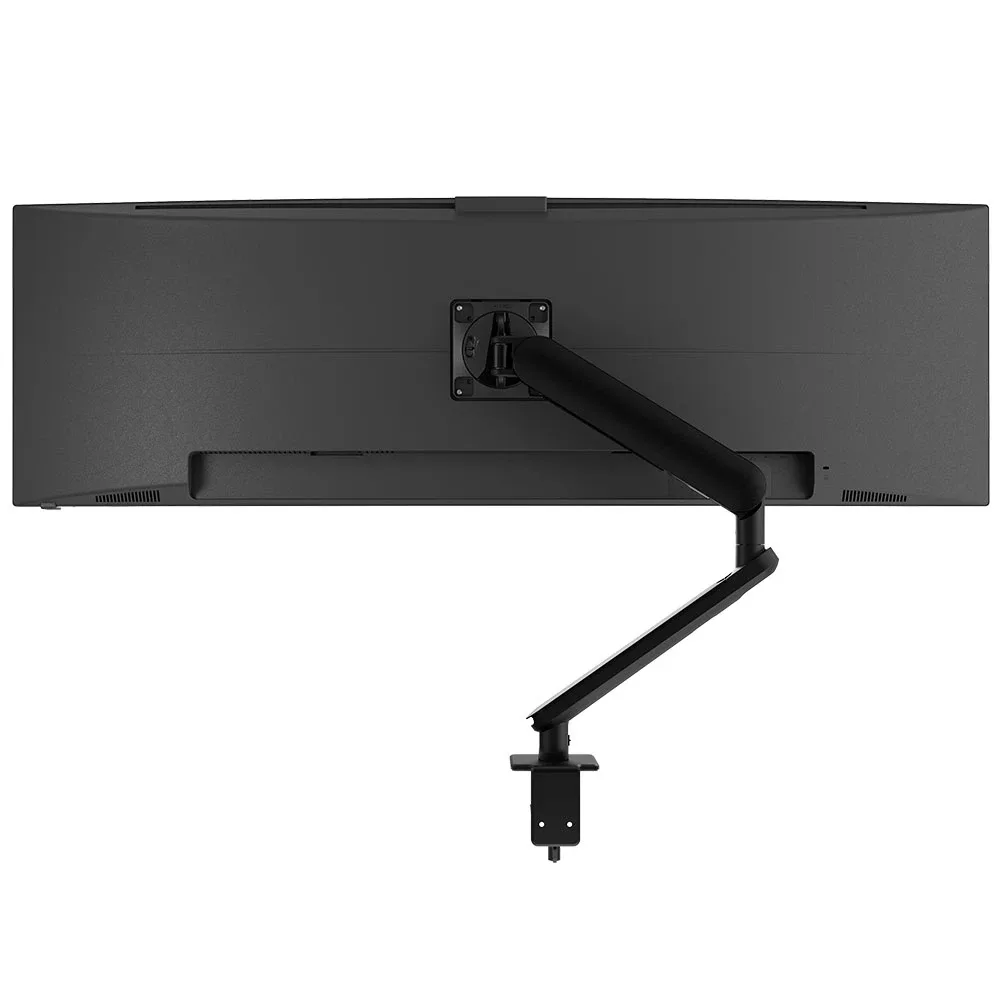
For larger and curved screens, so heavier monitors still sit within one arm family.
SEE AW-ORA10-FBrowse the full range of monitor arms, or see how a vertical monitor setup suits developers and legal teams.
One arm family across every desk type keeps the spec short, the spares simple and the install the same on every floor.
Single monitor arm solution for any combination of landscape and portrait monitors, so IT stocks one system for the whole floor.
Rotation can be locked to 180 degrees or left free to turn a full 360, so arms and screens stop where IT sets them.
Generous cable management bays, drop-on VESA head, post guide marks, and visual tension indication.
A 10-year warranty, local stock and engineering support, from an Australian-owned company designing mounts since 1998.
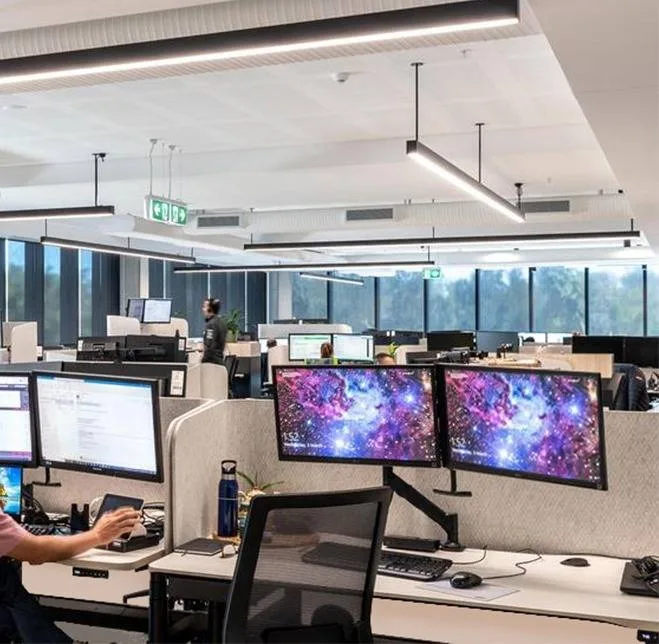
Every employee at the new Sydney head office has at least two monitors, on sit-to-stand workstations. Atdec mounted two 24-inch screens per arm on a dual rail, ran cables through the arm channels and posts, and used a dual plate steel clamp for a minimal footprint.
Read the case studyIt should cover every workstation decision that IT will live with after handover. That means desk construction, sit-stand or fixed frames, the monitors you are keeping or buying, screens per desk, how arms fix to the desk, cable routes, rotation limits and the install window. Each of these is cheap to settle in the brief and costly to change once the furniture arrives. Agree them with the fit-out contractor before the desk order is placed.
Either works if it matches the desk. A grommet fixing goes through a hole in the desk and looks neat, but the hole has to be in the right place, so specify it with the furniture maker. A clamp grips the desk edge with no drilling, which keeps your options open if teams or layouts change. Check the clamp range against the desk top thickness, and avoid clamping paper honeycomb tops. Our desk clamp guide compares every option.
Yes, and they are a common pairing in an office fit-out. The arm moves with the desk, so screen height stays right whether the user sits or stands. Leave enough cable slack for the full height range, and route cables through the arm so nothing snags as the desk moves. Where desks sit back to back, a rotation limit stops arms swinging into the partition.
After the desks are installed and powered, and before the monitors are mounted and handed over. Put that window in the fit-out schedule and agree who fits the arms: the furniture installer, your IT team or an integrator. Doing it floor by floor lets IT test each desk while the installers are still on site. If arms will be fitted to existing desks during an office refurbishment, check the desk tops first, as older desks may need a different fixing.
Request a free Atdec monitor arm and set it up on the desk model you plan to specify, with the monitors your team will actually use. Our team calls first to match the arm to your screens. Time the install, ask the people using it what they would change, and check the cable route on a sit-stand frame if you are using one. Once you are ready, we'll give you specifications, warranty details and case studies to take your recommendation through purchasing.
Request a free Atdec monitor arm to test with your monitors and your team. It's yours to keep. We'll call first to match the arm to your screens, so you can judge it on a real desk before you set the site standard.