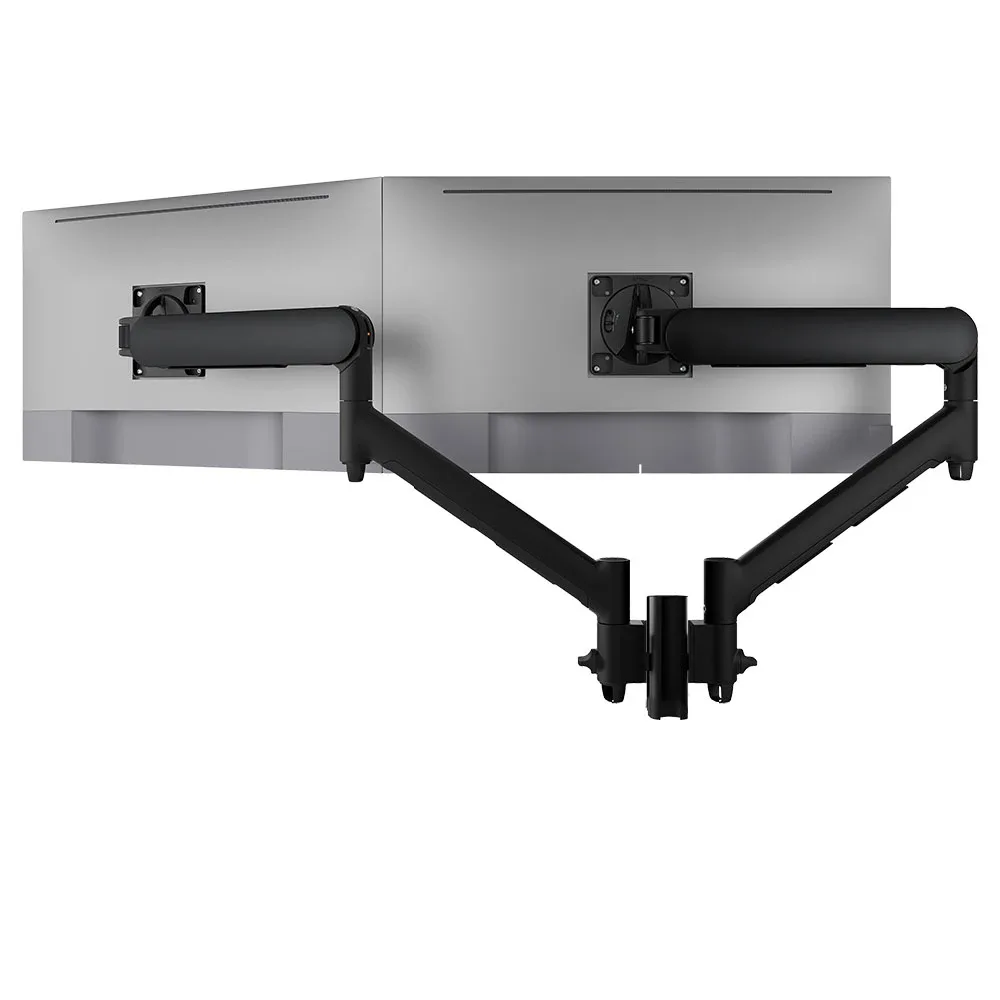
AWMS-2-D13
Dual dynamic arms on a short post 8kg per arm · up to 38-inchTwo screens on one post with concealed cable management and an optional 180-degree rotation limiter, a good fit for bench rows.
SEE AWMS-2-D13
Test an Atdec arm with your own monitors and your own desks, then take what you learn into the floor plan.
Office space planning usually starts with the designer, the property team and a headcount. IT often joins once the desks are drawn.
By then, the choices that matter most to IT are hard to change. Where the power and data come up, how deep the desks are, whether a desk bank has a spine for cables and which way the screens face the windows are all set by the floor plan.
Getting into the room early means the mounting standard, the cable routes and the screen positions are planned with the desks, not fitted around them afterwards. Spacing, egress and compliance remain with your fit-out designer.
Four common desk layouts in an open plan office, with what each one asks of monitors and mounts.
Long, straight desk banks with people facing each other across a shared spine. Dense and efficient, and the most common open plan office design.
Small clusters of desks, often in a cross or square, that give teams a clear home on the floor.
Desks along the outer walls or glazing, often single rows, with circulation and shared space in the middle.
A combination of bench rows for open teams, pods for project groups and perimeter desks near the windows.
Six things to check on the floor plan before the desks are ordered.
Deciding between a post with two arms or separate arms for each screen? Our article on post or separate monitor arms compares the two for desk banks.
Three arms that cover the common layouts, from dual screens on bench rows to single screens on perimeter desks.
Two screens on one post with concealed cable management and an optional 180-degree rotation limiter, a good fit for bench rows.
SEE AWMS-2-D13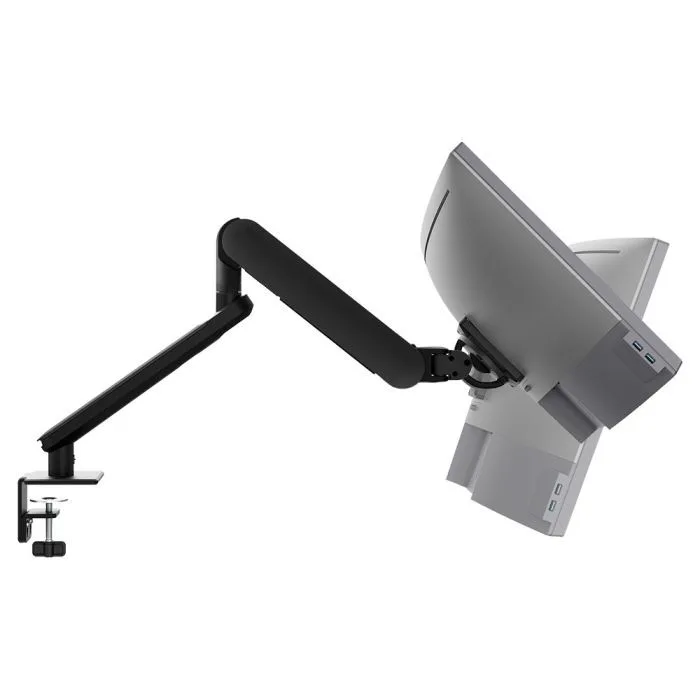
A single arm with long reach for pods and perimeter desks, so people can angle the screen away from window light.
SEE AW-ORA-F-B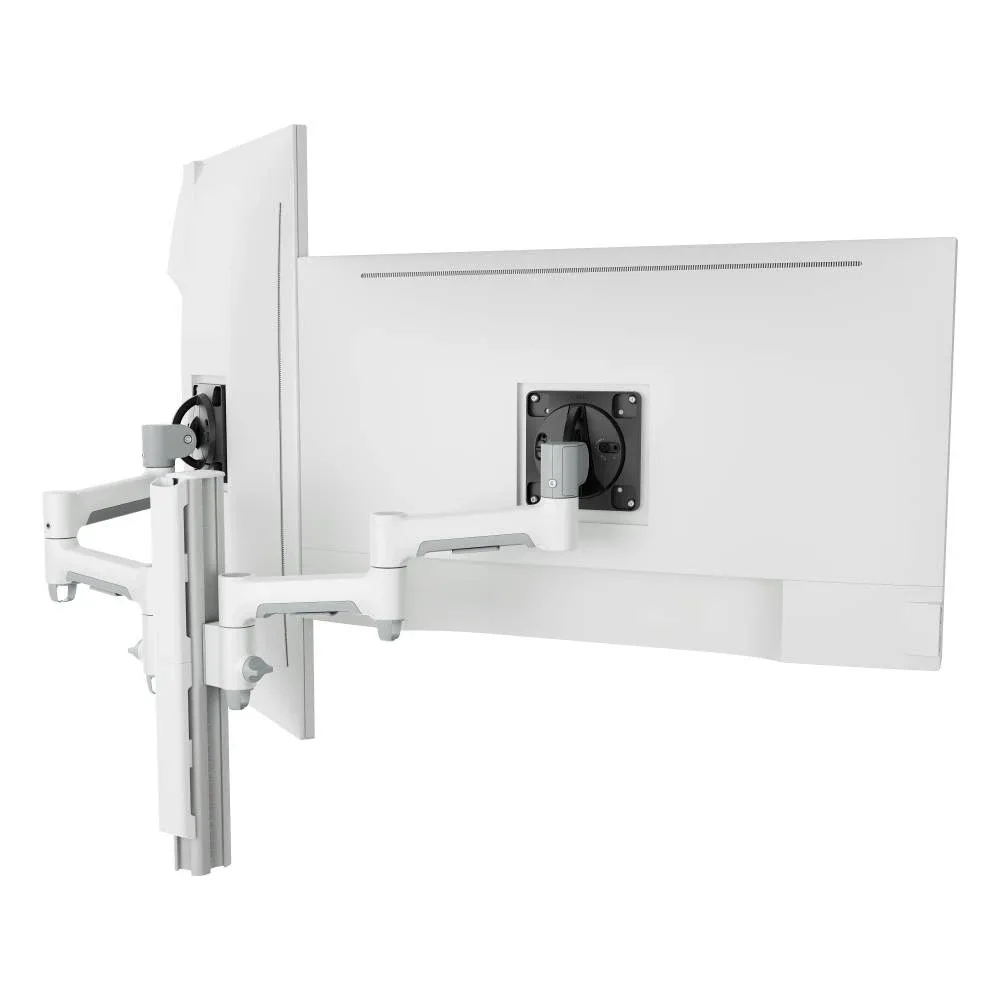
A higher weight rating for desk banks with heavier screens, in white for light desk finishes.
SEE AWMS-2-4640Browse the full range of monitor arms and desk mounts, or see how a vertical monitor setup works on bench rows.
Whatever the office layout, a single mounting system means IT supports one range across every desk bank.
Single monitor arm solution for any combination of landscape and portrait monitors, so IT stocks one system for the whole floor.
Rotation can be locked to 180 degrees or left free to turn a full 360, so arms and screens stop where IT sets them.
Generous cable management bays, drop-on VESA head, post guide marks, and visual tension indication.
A 10-year warranty, local stock and engineering support, from an Australian-owned company designing mounts since 1998.
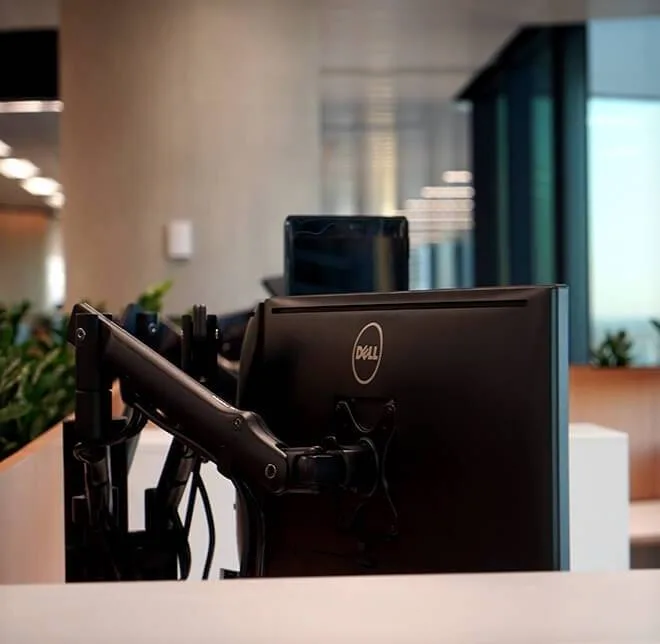
About 500 people moved into 9,500 sqm over four floors at Barangaroo. Atdec supplied 450 mounts for two monitors and a laptop, with rotation limiters so arms don't hit the partition behind the screens, plus 450 above-desk power modules.
Read the case studyStart with where power and data come up on each desk bank, because that sets how far docks, screens and cables have to travel. Then check desk depth and spacing against the reach and rotation of the arms you plan to use. Look at which desks face or back onto windows, since those screens are the hardest to keep free of glare. Finally, agree one mounting standard so every desk type uses the same arm family.
There is no single best layout, but each one has clear needs. Bench rows fit the most desks into a floor and work well with post-mounted dual arms and a rotation limit, because screens sit back to back. Pods give teams a defined home and keep cable runs short. Perimeter desks need the most care with glare, so single arms with long reach help people angle screens away from the light.
Plan cable routes with the desk supplier while the layout is still on paper. On bench rows, cables usually run along a central spine or tray, then up through a post and along the arm to the screen. Arms with concealed cable management keep the run tidy from the tray to the monitor. Agree a standard for docks and leads too, so each desk on the bank is wired the same way.
It changes the configuration more than the range. Back-to-back benching suits dual arms on a post with a rotation limiter, while pods and perimeter desks often suit single arms with a clamp. Desk construction matters as well, since thick, thin or bevelled desktops need the right clamp or a grommet fixing. Choosing one arm family across every layout keeps spares, training and installation simple.
Request a free Atdec monitor arm and install it on a desk that matches your planned layout, ideally on a bench row near a window. Our team calls first to match the arm to your screens. Check reach, rotation and cable routing in place, and ask the people using it how easy it is to adjust. When you're ready, we'll give you specifications, warranty details and case studies to take your recommendation through purchasing.
Request a free Atdec monitor arm to test with your monitors and your team. It's yours to keep. We'll call first to match the arm to your screens, so you can judge it on a real desk before you set the standard for the whole floor.