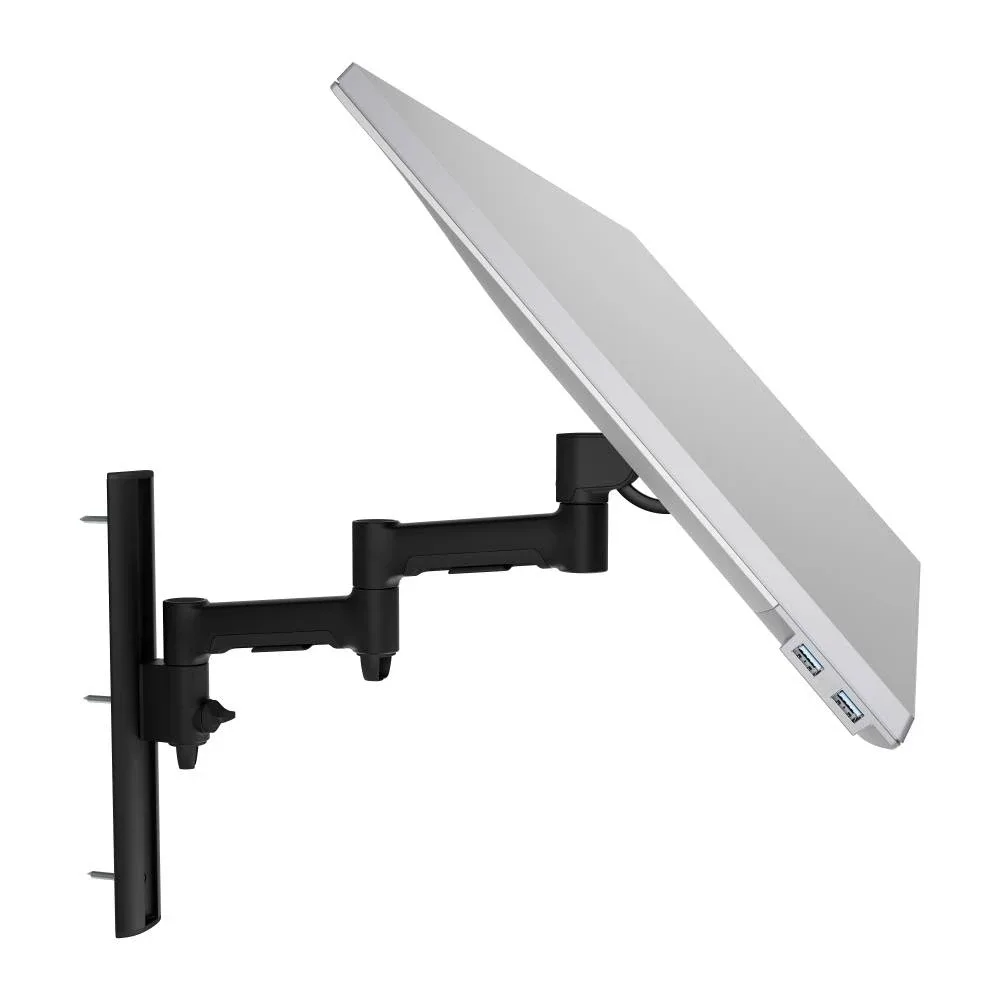
AWMS-46W35
Swing arm on a wall channel 12kg flat, 10kg curved · up to 34-inchFor reception and service counters, with an optional 180-degree rotation limiter.
SEE AWMS-46W35
Test an Atdec arm with your own monitors and your own team, then take what you learn into your next office project.
A wall mounted monitor earns its place wherever a desk clamp can't go, or where the work surface has to stay clear. These are the spots IT teams most often ask about.
The screen sits off the counter, so there's room for visitors, paperwork and a sign-in tablet. Staff swing it out of the way when they need the space.
A wall arm keeps the screen off the bench and lets the clinician pull it in, then push it back to the wall. Fewer surfaces to clean around, too.
Quick-check stations, stock rooms and labs where people stand for a few minutes at a time. For a wall mounted computer workstation, the screen goes on the wall and the floor stays clear.
Corridors, meeting room entrances, workshops and shared spaces where a desk would get in the way. The arm folds back when nobody is using it.
Four things decide whether a wall install goes smoothly. Settle them with your facilities team or installer before the arm arrives.
Atdec can't assess your wall. Your builder or installer should confirm the wall and fixings will carry the load before anything goes up. For mixed wall types on larger sites, our guide to specifying display mounts for a hospital build covers how to plan for them.
Six monitor arm wall mount options, from a slim swing arm to a heavy-duty dynamic arm, with each one's weight rating.
For reception and service counters, with an optional 180-degree rotation limiter.
SEE AWMS-46W35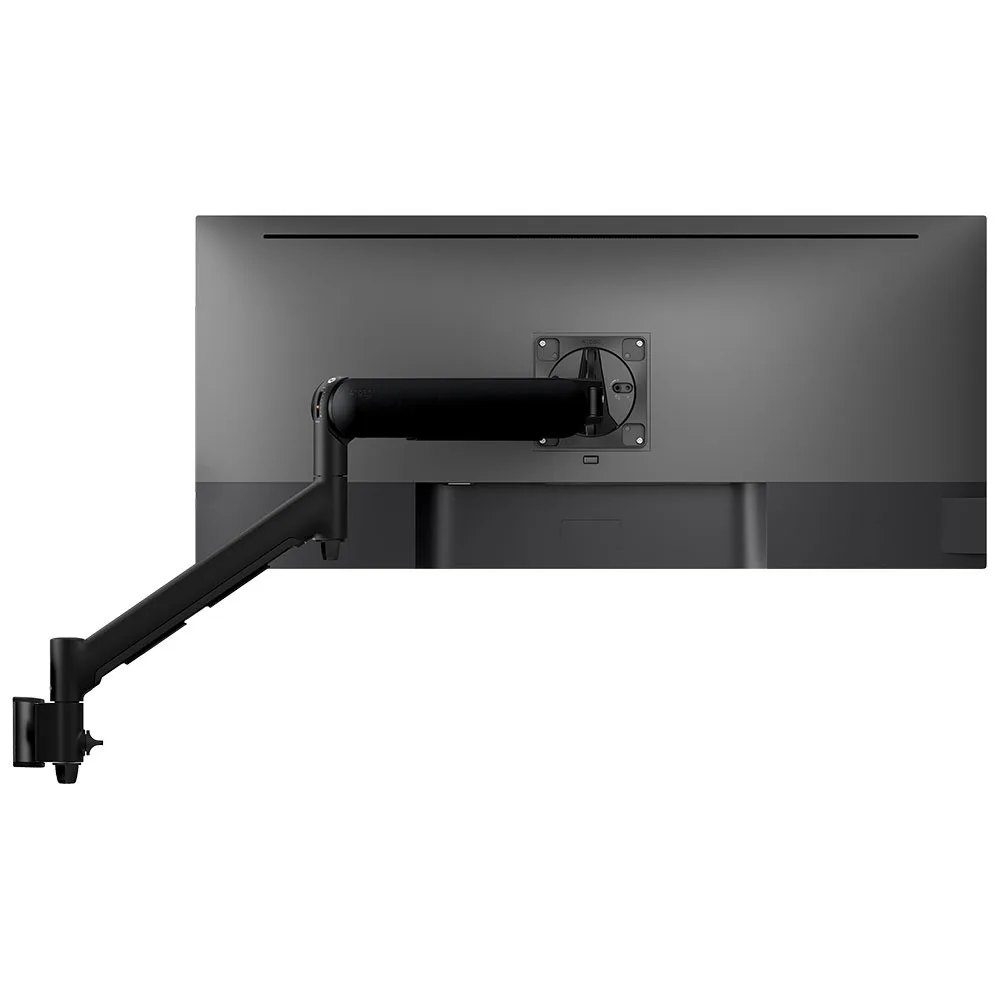
Spring-assisted, so staff pull the screen in with a fingertip. Masonry and timber stud mounting options.
SEE AWMS-DW6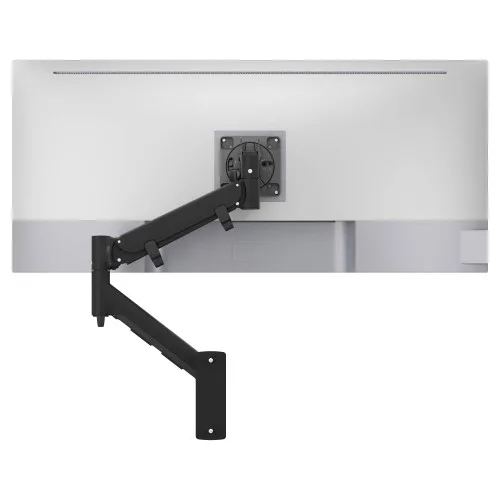
For larger, heavier screens in clinics and care settings, with landscape-to-portrait rotation.
SEE AWMS-HXW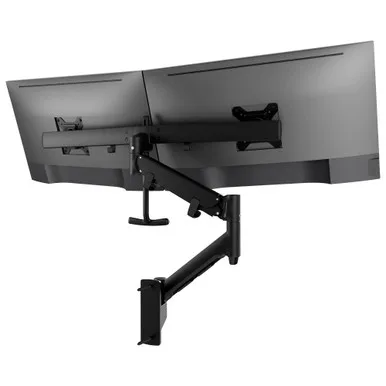
Two screens side by side on one arm, for a wall mounted dual monitor setup.
SEE AWMS-RHXW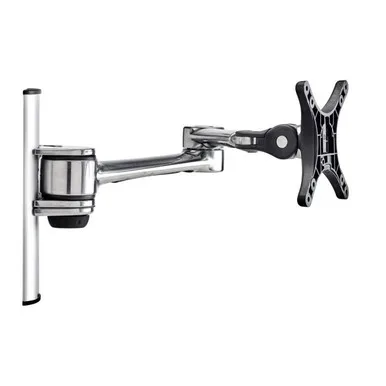
A slim option for smaller screens. The head swivels and rotates from landscape to portrait.
SEE AF-AT-W-P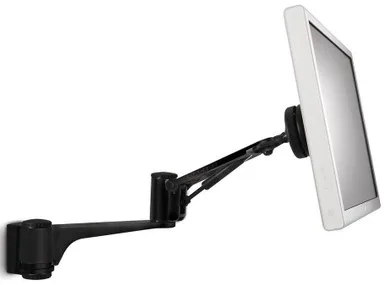
For a single small screen where low footprint matters, with portrait-landscape rotation.
SEE SD-AT-DW-BKNeed a monitor wall mount arm for a different screen? Tell us during the call. Mounting a large display or TV rather than a monitor? See the full range of Atdec wall mounts. Not sure about weight or depth? Read how to check monitor arm compatibility.
Most sites need a mix of desk, wall, ceiling and floor mounts. It's simpler to approve, stock and support when one vendor covers all of them.
Single monitor arm solution for any combination of landscape and portrait monitors, with desk, wall, ceiling and floor mounts, so IT stocks one system for the whole site.
On arms that support it, rotation can be locked to 180 degrees or left free to turn a full 360, so arms and screens stop where IT sets them.
Generous cable management bays, drop-on VESA head, post guide marks, and visual tension indication.
A 10-year warranty, local stock and engineering support, from an Australian-owned company designing mounts since 1998.

The university's learning and teaching renewal used Atdec dynamic monitor arms and wall mounts, with security screws for public spaces and drop-on VESA heads for fast installation.
Read the case studyIt needs a wall that can carry the arm, the screen and the leverage of the arm extended. Timber stud, steel stud, masonry and concrete each call for different fixings, and the AWMS-DW6, for example, lists masonry and timber stud mounting options. Plasterboard on its own is not a fixing point, so find the studs or plan backing before you mark holes. Atdec can't assess a wall remotely, so have your builder or installer confirm the wall and fixings at each position before the pilot unit goes up.
Plan power and data at the wall position first, because a wall arm has nowhere to tuck a power brick the way a desk does. The neatest result comes from a power and data outlet behind or beside the wall channel, with cables run inside the wall. Where that isn't possible, a surface cover channel is the fallback, though surface-run cables are generally not accepted in clinical areas. Agree the approach with your electrician before you set the standard, so every position is wired the same way.
Yes. The AWMS-RHXW is a tandem crossbar mount that holds two screens side by side on a single wall arm, with landscape-to-portrait rotation. It suits two smaller screens, typically at a service point. For two full-size monitors, two single wall arms spaced apart often give more freedom, since each screen then moves on its own. Tell us the screens and the wall during the call and we'll suggest the setup to trial.
Yes, on arms that rotate. Every arm on this page lists landscape-to-portrait rotation, and the AWMS-46W35 adds an optional 180-degree rotation limiter so a screen at a busy counter stops where IT sets it. Any monitor can be rotated if it sits on an arm that rotates, though curved ultrawide monitors are usually best kept in landscape. Portrait suits tall content such as patient records, queues and long documents. Our vertical monitor guide covers when it helps.
Request a free Atdec monitor arm and fit it at the position that's hardest to get right, such as the busiest reception counter or a clinic room. Our team calls before the arm ships to match it to your screens and your wall. Ask the staff who use it every day what changed, then check how the install went for your team. Once the pilot is done, we'll give you specifications, warranty details and case studies to take your recommendation through purchasing.
Request a free Atdec monitor arm to test with your monitors and your team. It's yours to keep. We'll call first to match the arm to your screens and your wall, so you can judge it in a real space before you set the site standard.