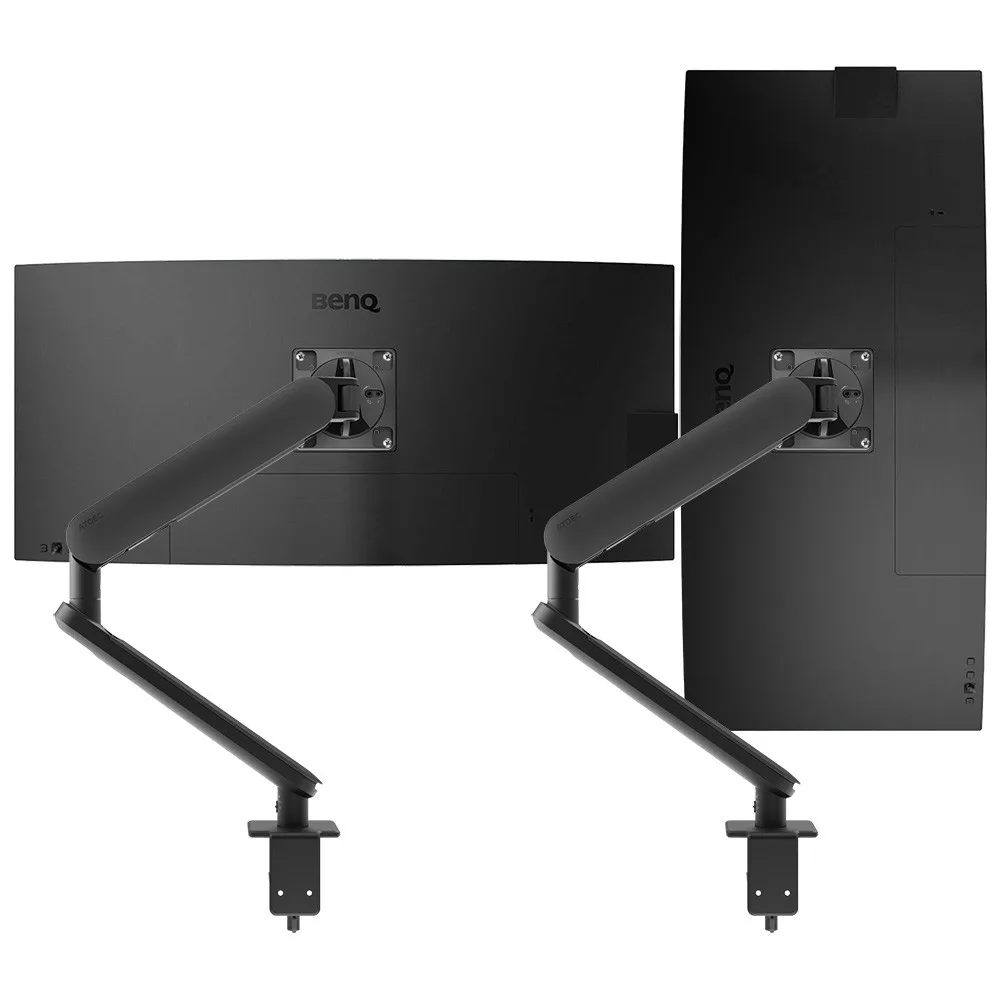
AWS-ORA2-F-B
Ora Duo with F-clamp 2 to 8kg per arm · up to 38-inchTwo independent arms, so one screen can sit in portrait for documents and the other in landscape.
SEE AWS-ORA2-F-B
Test an Atdec arm with your own monitors and your own lawyers, then take what you learn into your next office project.
Legal work is reading-heavy and often confidential. Six habits shape what a lawyer's desk needs.
A firm's floor plan mixes private offices, open desks and client spaces. Each zone asks something different of the screens.
Usually two monitors and a laptop, on a desk that also hosts conversations. Arms lift the screens off the surface, so the desk clears for papers and a visitor, and the screens swing aside when the meeting starts.
Lawyers, paralegals and assistants on rows of desks. One arm family across the floor keeps every desk consistent. MinterEllison chose a single mounting approach across eight levels for a consistent, clutter-free look.
Shared desks need screens that the next person can adjust by hand. In its Sydney refurbishment, DLA Piper used quick-release heads so displays move between workstations or swap for a notebook tray.
Meeting rooms need a shared display for documents and video calls, mounted cleanly on the wall. DLA Piper fitted ultra-slim wall mounts in its conference rooms. See Atdec wall mounts.
Most lawyers' desks follow one of three layouts. Pick by how each person works with documents.
Two tall screens for comparing a contract with its previous version, or a brief with the evidence. Both screens show a full page.
The landscape screen holds email, the matter system and calls. The portrait screen holds the document being drafted or reviewed.
For lawyers who move between the office, court and client sites. Gilbert + Tobin fitted this setup across its Sydney workstations.
Planning portrait screens? Our vertical monitor setup guide covers which monitors work and how to set them up. For two screens, compare primary-secondary and symmetrical layouts.
Six arms from the Atdec range that suit document-heavy legal work, with each one's weight rating.
Two independent arms, so one screen can sit in portrait for documents and the other in landscape.
SEE AWS-ORA2-F-B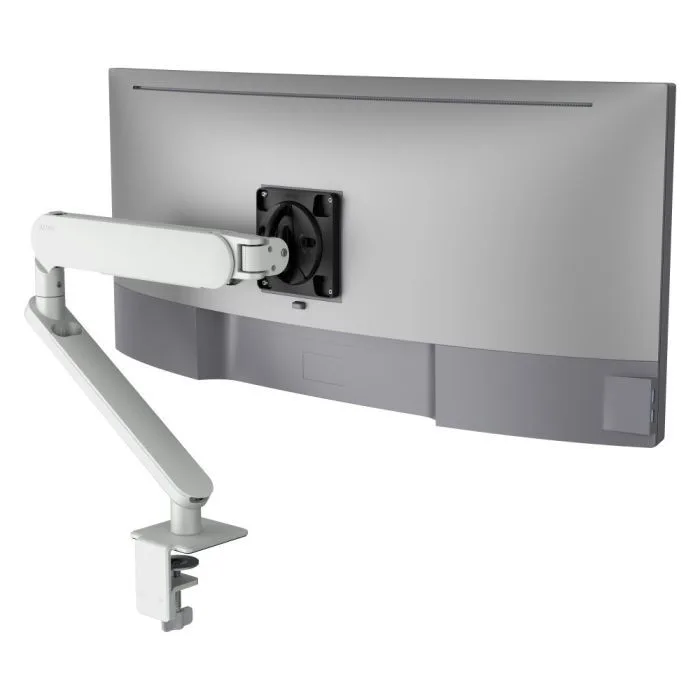
A single arm in white for a lighter fit-out, rotating from landscape to portrait.
SEE AW-ORA-F-W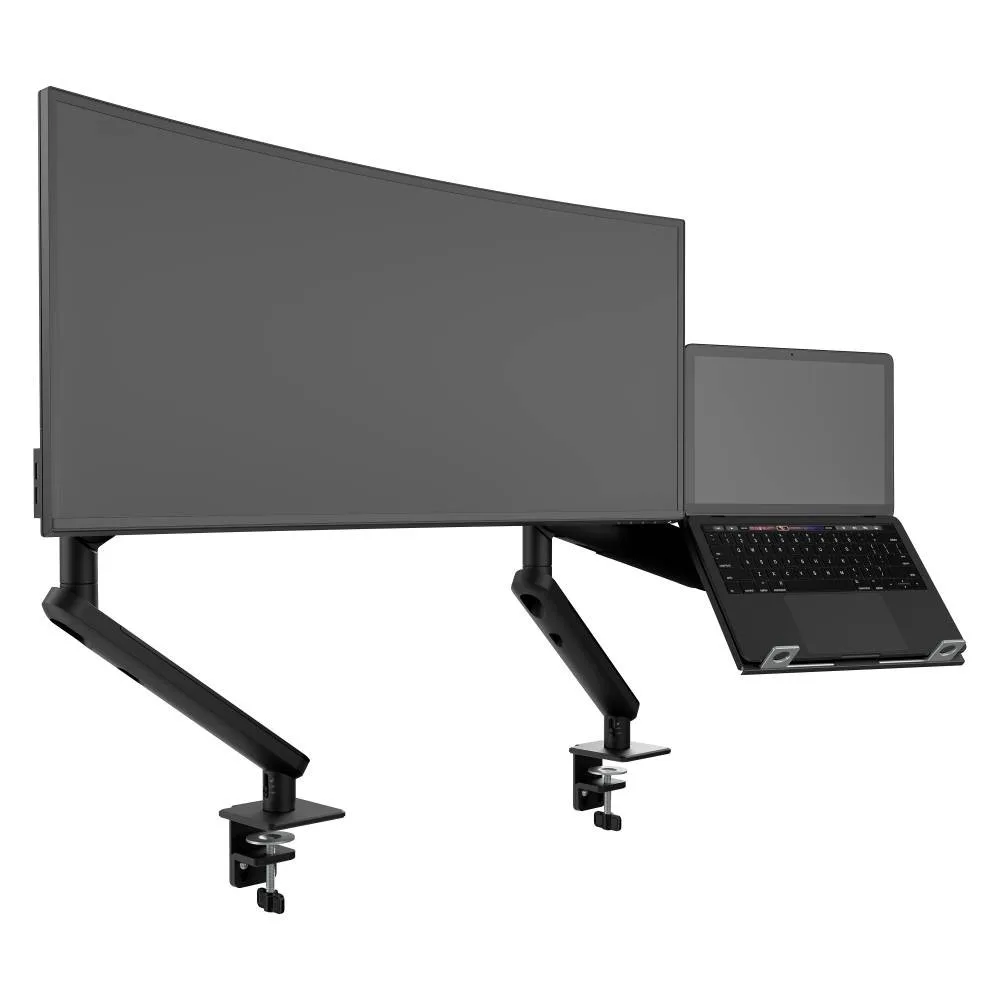
A rotating monitor arm beside a ventilated laptop tray, for lawyers who dock a laptop each day.
SEE AWS-N-ORA2-F-B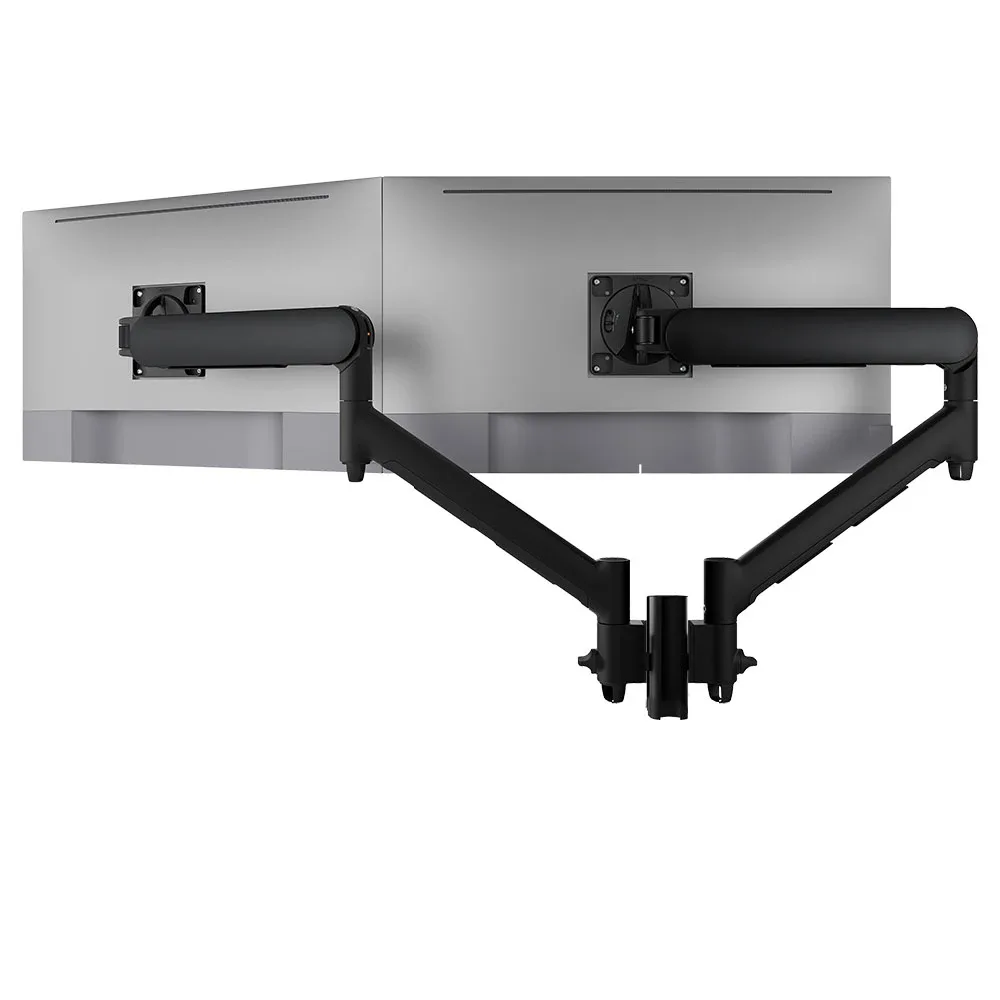
Two arms on one short post with landscape-to-portrait rotation, for comparing documents side by side.
SEE AWMS-2-D13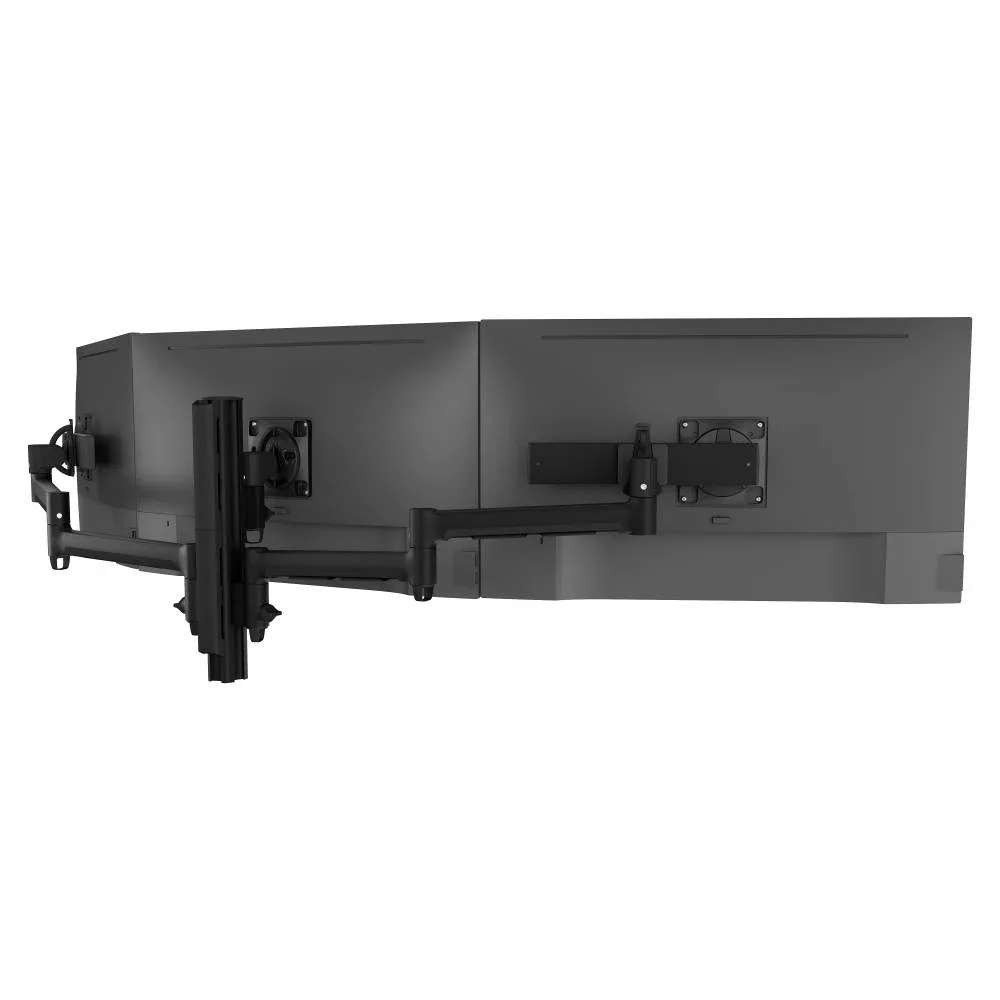
Three screens on one post, with a centre arm rated for a heavier main screen.
SEE AWMS-3-137S4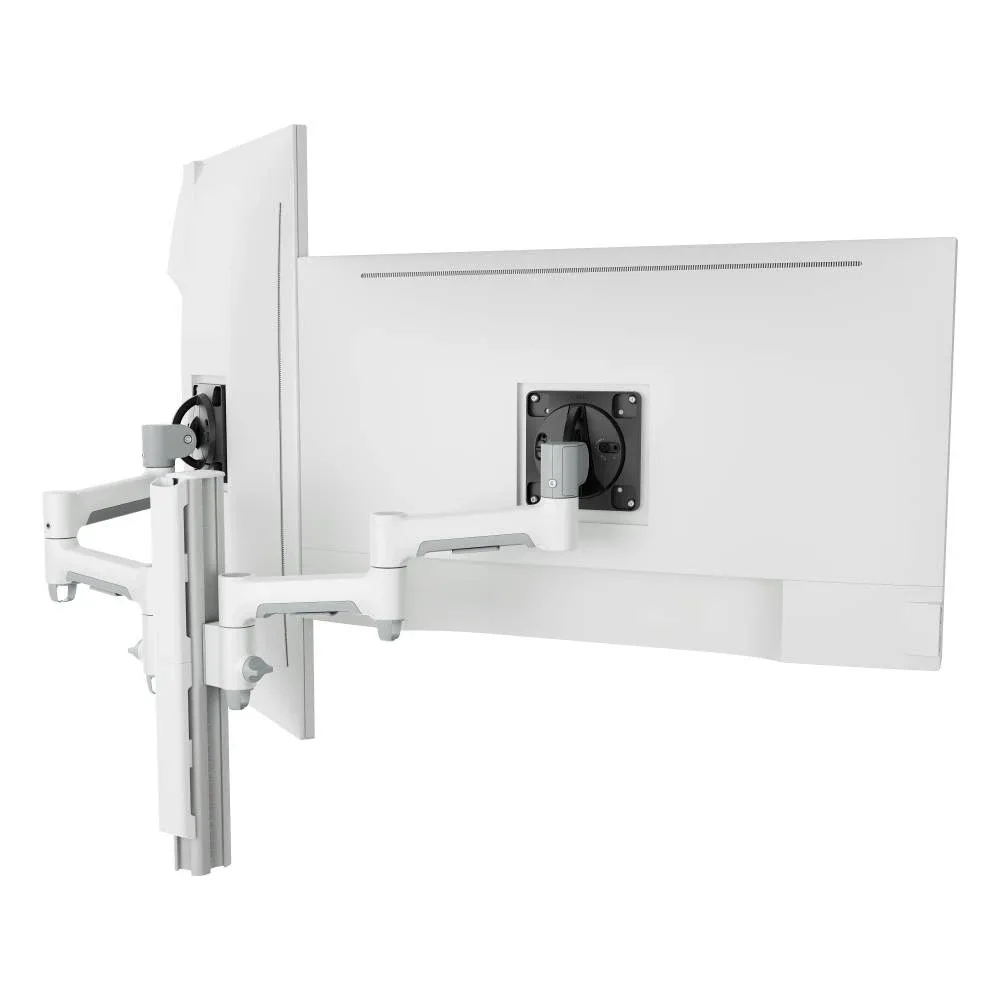
For heavier 27 to 32-inch screens on a fixed post, for a larger main working area.
SEE AWMS-2-4640Not sure which arm suits your screens? Read how to check monitor arm compatibility.
A firm-wide fit-out goes smoothly when every desk, from graduate to partner, runs on one system.
Single monitor arm solution for any combination of landscape and portrait monitors, so IT stocks one system for the whole floor.
Rotation can be locked to 180 degrees or left free to turn a full 360, so arms and screens stop where IT sets them.
Generous cable management bays, drop-on VESA head, post guide marks, and visual tension indication.
A 10-year warranty, local stock and engineering support, from an Australian-owned company designing mounts since 1998.
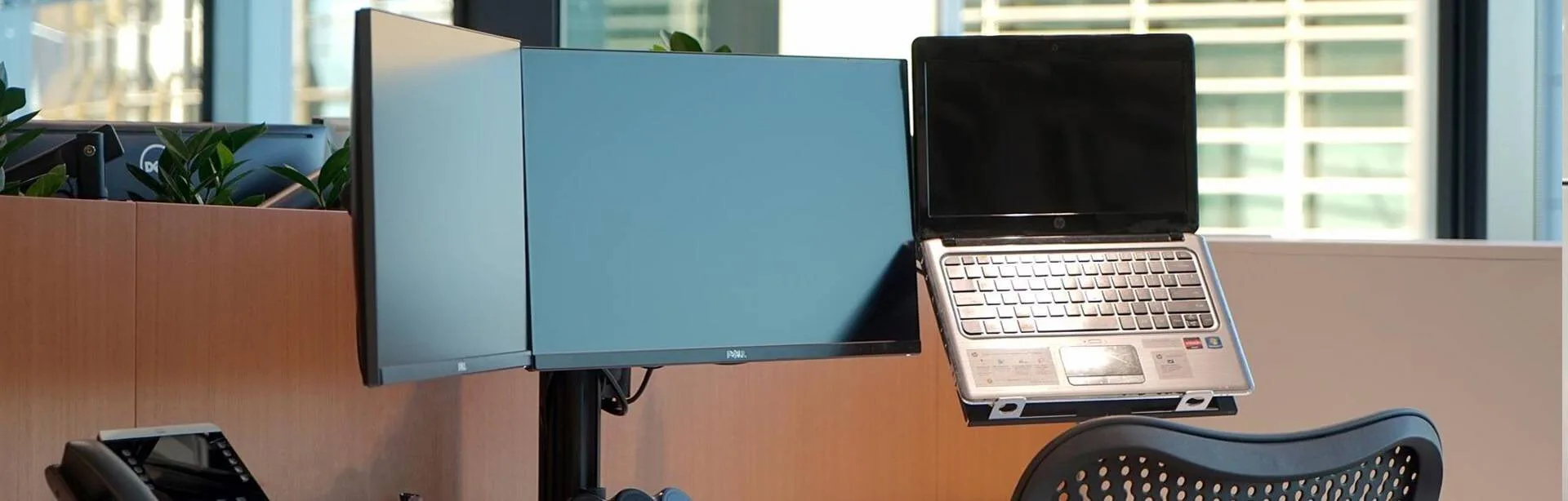
About 500 people moved into 9,500 sqm over four floors at Barangaroo. Atdec supplied 450 triple display mounts, each holding two monitors and a laptop, with rotation limiters so arms don't hit the partition behind the screens.
Read the case studyMostly room to read. Lawyers work through long documents, compare versions and research while they draft, so two screens are a common starting point, often with one turned to portrait. Monitor arms let each person set height, depth and angle, and they keep the desk surface clear for paper files. Settle the desk setup early in the design, because the monitor count and the clamp position affect how desks and partitions are specified.
For many, yes. A portrait screen shows a full A4 page at a readable size, which suits contracts, briefs and court documents. Two portrait screens side by side make comparing versions easier, while one landscape and one portrait suits lawyers who also live in email and the matter system. Any monitor can be turned to portrait on an arm that rotates, and our vertical monitor setup guide covers the details.
Two monitors usually suit legal work better. Two screens make it easy to keep one document on each, and either screen can turn to portrait for a full page. Curved ultrawide monitors are made for immersion and are best kept in landscape, so they lose that option. Our article on two monitors versus one sets out the trade-offs for IT teams.
Start with where the screens face. On an arm, a screen can be angled away from walkways, glass meeting rooms and reception, and set back or lowered when a client sits at the desk. Rotation limiters keep arms from swinging past a set point, which helps on tight rows of desks with partitions behind. Plan screen direction alongside the desk layout, because it is far easier to get right at fit-out than to fix afterwards.
Request a free Atdec monitor arm and set it up on the desk of someone who reads long documents all day, such as a senior associate or a paralegal. Try a portrait screen for a few weeks, then ask what changed in their day. Our team calls before the arm ships to match it to your screens. Once the pilot is done, we'll give you specifications, warranty details and case studies to take your recommendation through purchasing.
Request a free Atdec monitor arm to test with your monitors and your lawyers. It's yours to keep. We'll call first to match the arm to your screens, so you can judge it on a real desk before you set the firm standard.